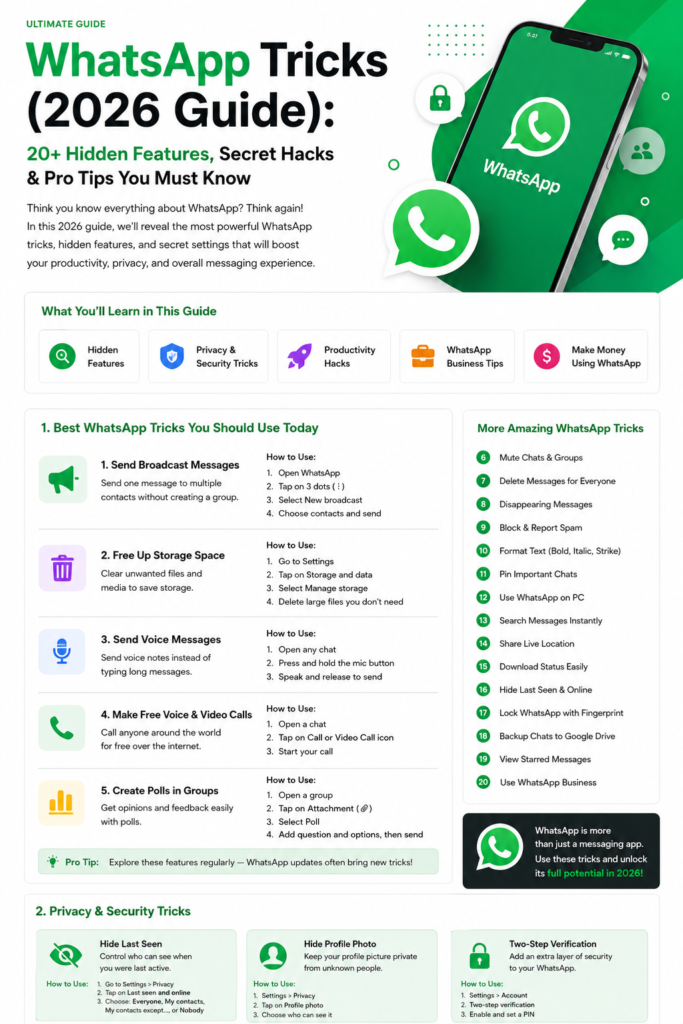
WhatsApp does not have a record button — not in voice calls, not in video calls, not in the settings menu — which surprises most people, because their phone can record almost everything else. If you need to know how to record WhatsApp calls in 2026, the honest answer is that there is no official method, only workarounds, and some are illegal depending on where you live. This guide covers the methods that work on Android and iPhone, the consent rule to follow first, and the questions everyone asks before pressing record.
The rule first, because it decides everything else: in India, recording a call you are part of is generally allowed, but secretly recording one to share publicly or use against someone can still land you in legal trouble, and in several countries and US states all parties must consent. Tell the other person you are recording and get a clear yes first. A recording made with consent is useful evidence, a meeting note, or a family memory; one made in secret is a liability.
How to Record WhatsApp Calls in 2026 on Android
Some Android phones — notably Google Pixel and several Samsung models — have a built-in call recorder in the Phone app, but it usually works only for carrier calls, not WhatsApp, because WhatsApp audio runs through the app rather than the dialler. The method that reliably works is your phone’s screen recorder with internal audio on: open it from Quick Settings, set the audio source to internal audio, start recording, then start the WhatsApp call. You will capture the call audio along with the screen. Quality is usually good and the file saves to your gallery. The catch: some phones block internal audio for calls, and on some the other voice records quietly — test once with a friend first. If your phone’s recorder will not capture call audio, the fallback is the oldest method: put the call on speaker and record with a second device — crude, but it never fails. Our WhatsApp voice message tricks include a faster alternative worth knowing — if the other person agrees, ask them to send the key points as a voice message instead, which you can keep and replay any time.
How to Record WhatsApp Calls in 2026 on iPhone
iPhones are stricter: iOS does not let apps record WhatsApp calls directly, and the built-in screen recorder captures video without call audio for privacy reasons. That leaves two realistic options. The first is speaker plus a second device: put the call on speaker and record with another phone, a laptop, or a voice recorder app. The second is a Mac: route the call through it with an audio capture tool and record there. Paid call-recording apps mostly work by adding a third line to a three-way call, which works for carrier calls but not WhatsApp. Do not pay for an app promising one-tap WhatsApp recording on iPhone — it cannot do what it claims. For video calls the same limits apply: see our WhatsApp video call features guide for what the app can do natively.
Third-Party Call Recorder Apps: What to Know Before Installing One
The Play Store is full of apps claiming to record WhatsApp calls. Most do not work on modern Android, because Android 10 and later block apps from capturing call audio, and the ones that do usually need accessibility permissions that let them read your screen — a serious privacy trade-off. Before installing any recorder, check three things: recent reviews from the last three months, whether it asks for accessibility access and why, and whether it clearly states it works with WhatsApp rather than just carrier calls. Never grant a recorder access to your contacts or messages. A safer route for group calls is to use WhatsApp call links to schedule the call, tell everyone it will be recorded, and use the screen-recorder method above. WhatsApp’s own help pages at faq.whatsapp.com confirm there is no built-in call recording feature — any app claiming official support is misrepresenting itself.
Frequently Asked Questions About Recording WhatsApp Calls
Is it legal to record a WhatsApp call?
It depends on where you and the other person are. In India, recording a conversation you participate in is generally permitted, but publishing or sharing it without consent can violate privacy law. In several countries and some US states, every person on the call must consent. The safe rule everywhere: tell everyone, get a yes, then record. When in doubt, ask a local lawyer — this is a practical guide, not legal advice.
Does WhatsApp notify the other person when you record a call?
No. WhatsApp has no built-in recording and no recording detection, so the other person gets no alert — which is exactly why consent matters.
Can I record a WhatsApp video call?
Yes, with the same methods: screen recording with internal audio on Android, or speaker plus a second device on iPhone. Video of another person carries stronger privacy implications than audio alone, so consent matters even more.
Why does my screen recording have no sound?
Usually the audio source is set to microphone instead of internal audio, or the phone blocks call audio capture. Open the screen recorder settings, switch the source to internal audio or media sounds, and test again. Some models block this entirely at system level — then the second-device method is your only option.
Do call recorder apps from the Play Store work?
Mostly no, for WhatsApp specifically. They were built for carrier calls, and Android’s privacy changes broke audio capture for many of them. A few work on specific phone models. Check recent reviews mentioning WhatsApp by name before installing anything, and avoid apps that demand broad permissions.
Where do recordings get saved?
Screen recordings save to your gallery; second-device recordings save wherever that device’s recorder puts them. Move important ones to cloud backup the same day — a lost or reset phone takes its recordings with it. Our WhatsApp privacy settings checklist also covers how to lock down who can call you.
Can I record a WhatsApp call on a laptop through WhatsApp Web?
WhatsApp Web does not support voice or video calls, so there is nothing to record there. The desktop app does support calls, and on a computer your operating system’s screen recorder captures audio more reliably than most phones. This is often the simplest option for work calls: take the call on the desktop app and record the screen.
What should I do with the recording afterwards?
Keep it private, store it securely, and delete it when you no longer need it. Do not forward recordings to people who were not on the call, and do not post clips publicly without everyone’s consent. A recording is only as safe as the places it is stored.
The bottom line: record with consent, use the screen recorder on Android or a second device on iPhone, and never trust an app promising a one-tap official solution. The technology is simple once you accept what WhatsApp will and will not do — the hard part is the conversation before you press record.