
Picture a creator with 800 followers. She posts a Reel on a Tuesday morning — a 20-second recipe, nothing fancy — and goes back to work. By evening the Reel has 400 views, which is normal for her. By Thursday it has 40,000. She changed nothing about the video. What changed was the audience: Instagram had started showing it to strangers on the Explore page, and strangers, unlike followers, are unlimited. That jump is what every small creator is chasing, and understanding how to get on Instagram Explore page 2026-style starts with understanding why Instagram showed her Reel to strangers at all.
The Explore page is not a lottery, and it is not reserved for big accounts. It is a recommendation system with a job: keep each person scrolling by showing them posts they are likely to enjoy, based on what they have liked, saved and watched before. Your post gets in when Instagram has evidence that strangers like it. Everything in this guide is about creating that evidence, on purpose, instead of hoping for it.
What the Explore Page Actually Is
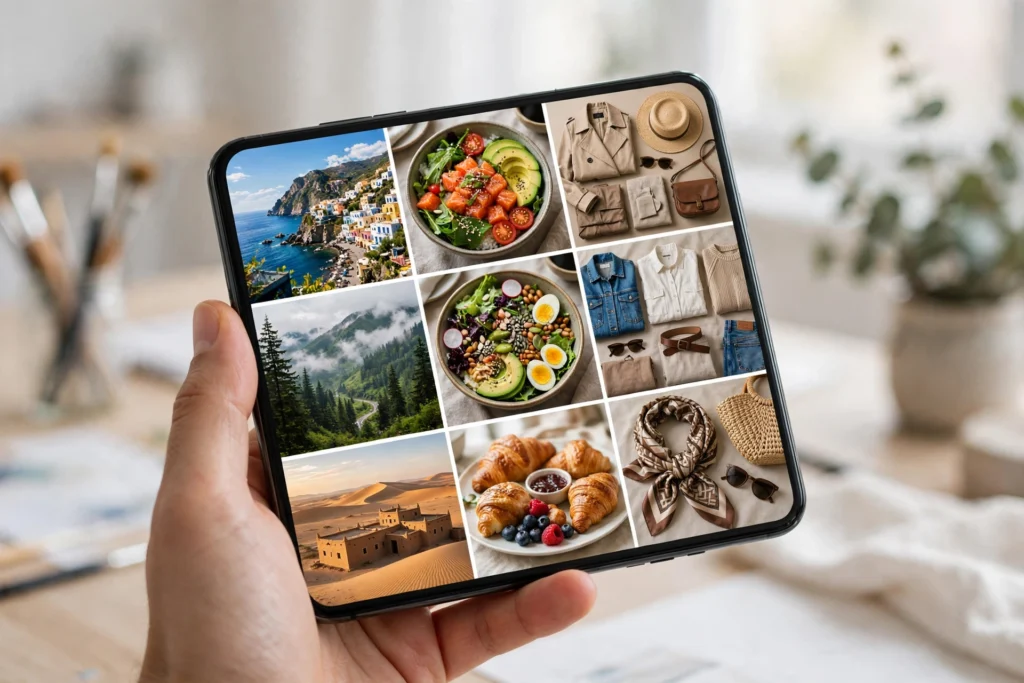
Open Instagram, tap the magnifying glass, and you are looking at the Explore grid — a personalised mix of Reels, photos and carousels chosen for you. Instagram has explained publicly — see the Instagram Help Center for how Explore and recommendations work — that Explore ranks posts by how likely you are to interact with them, using signals like your past activity, the post’s popularity with people similar to you, and information about the account that posted it. The important part for a small creator is the second signal: when your post performs well with a small test audience of strangers, Explore shows it to a bigger one. That is exactly what happened to the creator in the opening story — her Reel passed the first test, so it got a bigger one, and then a bigger one still.
How to Get on Instagram Explore Page 2026: The Signals That Matter
Instagram weighs some interactions far more than others, and knowing the ranking changes what you optimise for. Saves are the strongest signal for Explore, because saving means “I want this later” — the clearest sign of value. Shares come next, especially shares sent to a specific person rather than to a story. Genuine comments beat likes, and watch time beats all of them for Reels: a Reel that strangers watch to the end is a Reel Explore trusts. Likes are the weakest signal of the bunch, which is why posts with modest likes and heavy saves often outrank posts with thousands of likes. If you want the full mechanics behind that first test audience, our Instagram Reels algorithm guide explains exactly what it is judging in the first hour.
The Tuesday Reel, Rebuilt as a System
Let us go back to that creator and turn her lucky break into a repeatable habit. The first change is the hook: her Reel worked because the first two seconds showed the finished dish, not the ingredients. Explore is a grid of thumbnails competing for a tap, so the opening frame has to promise a payoff. The second change is the caption: instead of a generic “easy recipe”, she now writes the specific result — “crispy potatoes in 15 minutes, no oven” — because Explore matches posts to people by the words in the caption as much as by the video. That is why Instagram SEO matters beyond your profile: the caption is searchable, and searchable is discoverable.
The third change is the ending. Her Reel now closes with a reason to save it — the full ingredient list on screen, or a “save this for dinner tonight” line — because a save is worth more than a like. And the fourth change is timing: she posts when her audience is actually online, not when it suits her, which she worked out by checking her insights for a week. Our best time to post guide shows how to read those numbers without overthinking them.
The 30-Day Explore Plan for a Small Account
Week one is diagnosis. Post four times, all in your strongest format, and write down the saves, shares and average watch time for each. Ignore follower count completely; you are looking for the one post strangers saved most. Week two is doubling down: make three more posts in the style of that winner, each with a clearer hook and a save-worthy ending. Week three is testing one new idea a day in a lighter format — a carousel, a short Reel, a photo with a strong caption — and keeping whatever beats your average. Week four is consolidation: your best two formats, posted consistently, with captions written for search. Creators who follow this loop usually see their first Explore-driven spike in week three or four, not week one — and by then you will know from your own numbers how to get on Instagram Explore page 2026 audiences actually respond to, because you tested it instead of guessing. Patience is part of the system, and the creators who track it properly are the ones who improve — our Instagram engagement rate guide shows which numbers to watch and which to ignore.
What Kills Your Explore Chances
A few habits quietly disqualify posts. Watermarked videos reposted from other apps get pushed down. Captions stuffed with thirty generic hashtags look spammy to the system and to people. Engagement bait — “comment YES for the link” — can trigger a downranking. And the biggest killer is inconsistency: one great Reel followed by three weeks of silence tells Explore your account is not a reliable source of content. None of this is a ban or a shadowban; it is simply the system choosing a safer bet. The fix is unglamorous: original video, honest captions, a schedule you can keep.
The creator from the opening story did not go viral by accident twice. She kept the recipe format, tightened the hooks, asked for saves instead of likes, and posted four times a week for two months. Her second Explore spike was smaller than the first — 12,000 views, not 40,000 — but her follower count grew by 900 that month, and those followers came from strangers who had already decided they liked her work. That is what the Explore page is really for: not one lucky video, but a steady stream of people who arrive already convinced.

