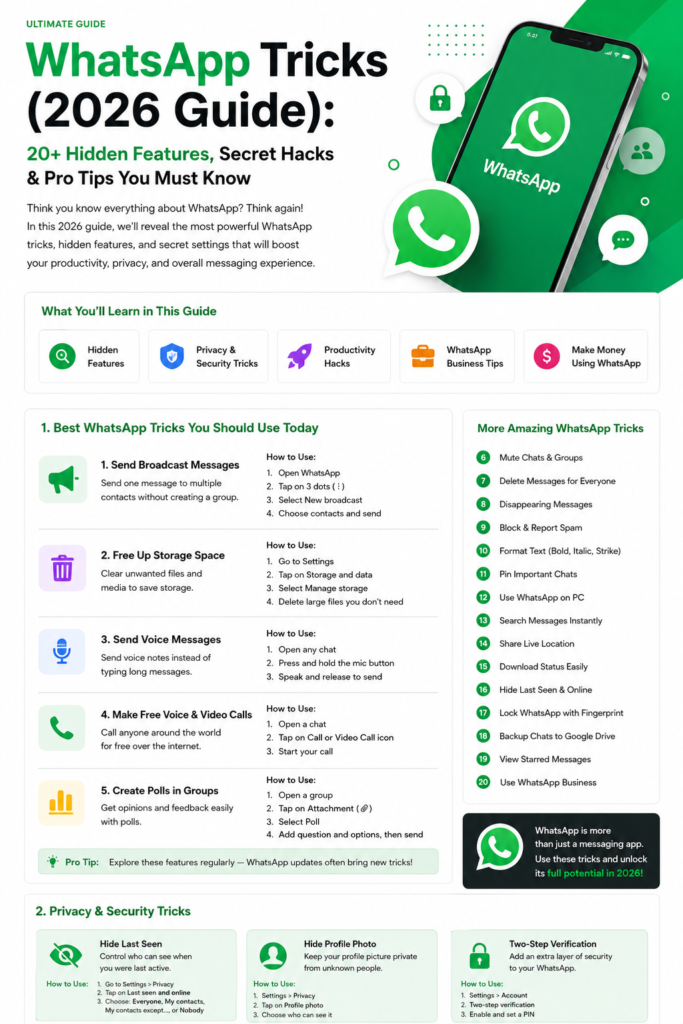
A friend posts a beautiful travel clip as their Status, a relative shares a family photo, a shop you follow posts a product video you want to keep — and WhatsApp gives you no download button. That is by design: Status is meant to disappear in 24 hours. Still, there are legitimate ways to save a Status you were meant to see, and this guide covers them. Before the methods, one rule that matters more than any of them: learning how to download WhatsApp status videos 2026 is fine for your own reference, but saving and re-sharing someone else’s personal photos or videos without asking is not. Ask first, download second.
Method 1: The Built-In Way — Ask the Person to Send It
The simplest method is also the most respectful. Reply to the Status and ask the person to send you the photo or video directly. Most people say yes in seconds, and you get the original quality file instead of a compressed copy. It also avoids every privacy question in this article. If the Status is from a business — a shop, a restaurant, a service — they usually want you to save and share it, so just ask. Use this method whenever the Status matters to you; the other methods are for when asking is genuinely not possible.
Method 2: Screen Recording on Android and iPhone
Both Android and iPhone have built-in screen recorders, and they capture a video Status exactly as it plays. On Android, swipe down twice for Quick Settings and tap Screen Record; on iPhone, add Screen Recording to Control Center in Settings, then tap it before opening the Status. Play the Status from the start, keep the phone still, and stop the recording when it ends. The result is a normal video file in your gallery. The quality is slightly lower than the original, and sound is included if your recorder is set to capture it. This method works for video; for a photo Status, a screenshot is simpler and sharper.
Method 3: The Status Folder on Android (File Manager)
On Android, WhatsApp temporarily stores viewed Status files in a hidden folder on your phone. Open your file manager, enable “show hidden files”, and navigate to Android, then media, then com.whatsapp, then WhatsApp, then Media, then .Statuses. Every Status you have viewed appears there until it expires. Copy the file you want into your Downloads or Pictures folder before the 24 hours end — files in .Statuses vanish when the Status expires. This is the only method that gives you the original file, but it only works on Android, and it only works for Statuses you have actually opened and watched fully.
Method 4: Status Saver Apps (Android Only)
Dedicated Status saver apps read the same hidden folder as Method 3 and present the files in a simple gallery, so you can save one with a tap instead of digging through folders. They are Android-only and widely available on the Play Store. If you use one, pick an app with a large number of downloads and recent updates, check what permissions it asks for — it needs storage access, nothing else — and avoid any app that asks for your WhatsApp login or your contacts. Never enter your WhatsApp credentials into a third-party app. iPhone users do not have an equivalent, because iOS does not expose the hidden folder; screen recording is the practical option there. For more Status ideas once you have saved what you need, our WhatsApp Status tricks guide has nine ways to make your own Status stand out.
How to Download WhatsApp Status Videos 2026: Frequently Asked Questions
Is it legal to download someone’s WhatsApp Status?
Downloading for personal use is generally fine, but the photo or video still belongs to the person who posted it. Re-posting it publicly, using it in an advert, or sharing it in a group without permission can violate privacy and, in some places, the law. The safe rule: save for yourself, ask before sharing anywhere else.
Does the person know I downloaded their Status?
WhatsApp does not send a download notification. The person can see that you viewed the Status — the viewer list is visible to them — but viewing and downloading look identical from their side. Screen recording and file-manager methods leave no trace beyond the view itself. That is exactly why asking first matters: invisible does not mean okay.
Why is the downloaded video blurry?
WhatsApp compresses Status media when it is uploaded, so even the original file is lower quality than the phone’s camera roll version. Screen recordings lose a little more. The file-manager method (Method 3) gives the best quality available, because it copies the file WhatsApp itself stored. If quality matters, ask the person to send the original — it will always beat any download method. Speaking of quality, our how to send HD photos on WhatsApp guide explains how to keep full quality when sharing.
Can I download Status on iPhone?
Yes, with limits. iPhone has no hidden Status folder, so Methods 3 and 4 do not work. Use screen recording for videos and screenshots for photos, or ask the person to send the file directly — AirDrop or a direct WhatsApp message gives you the original in seconds. Avoid any website that claims to download WhatsApp Status with just a phone number; those sites are scams or phishing pages.
Where do downloaded Statuses go?
Screen recordings land in your Photos or Gallery app, screenshots too. Files copied from the .Statuses folder go wherever you paste them — put them in Downloads or Pictures so you can find them later. Status saver apps usually save into their own folder in your gallery. If you save a lot of media, remember to clean up regularly: our WhatsApp backup and transfer guide shows how media storage adds up and how to manage it.
Can the person stop me from downloading their Status?
Partly. WhatsApp lets you choose who sees your Status — everyone, contacts only, or specific people — so the real control is audience, not downloads. If you post something sensitive, limit the audience first. Once someone can see a Status, no setting can stop them from recording their own screen. Check the official WhatsApp Help Center for the current privacy settings, and review the audience list on anything personal before you post. For a full tour of the hidden settings, our WhatsApp hidden features guide is a good next read.
The bottom line: how to download WhatsApp status videos 2026 comes down to four options — ask the person, screen-record it, copy it from Android’s hidden folder, or use a Status saver app on Android. Asking first is the best method in every way that counts: best quality, zero privacy problems, and no dodgy apps involved. Save what you need, respect what is not yours to share, and you will never have a problem with this one.