
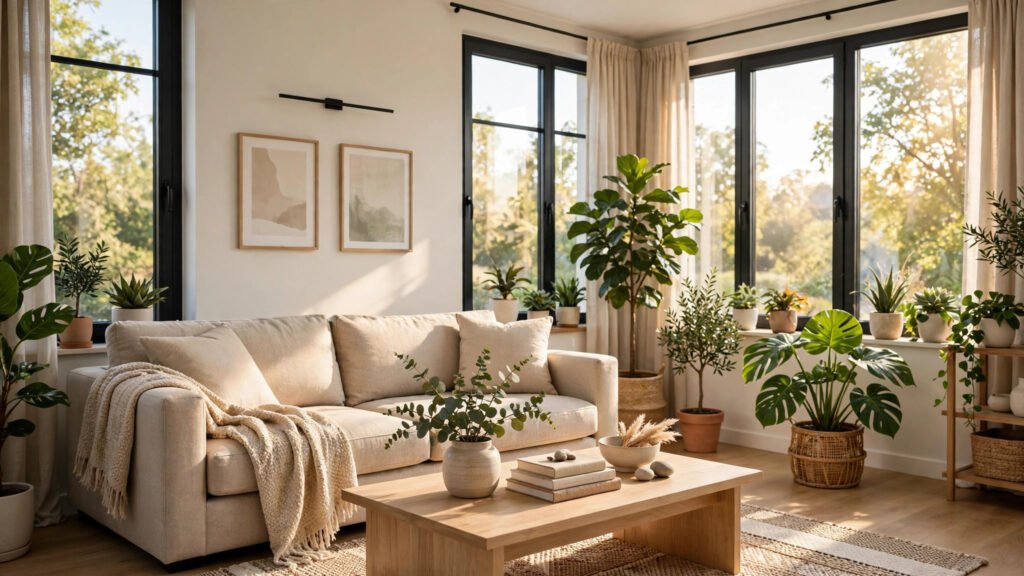
Redecorating a room used to mean hiring a designer, flipping through paint swatches at the store, and hoping the sofa you ordered actually fits. Now you can upload a photo of your room, pick a style, and see a redesigned version in under a minute — before spending a single rupee or dollar.
AI interior design tools have matured fast. They can restyle a photo of your living room, build a 3D floor plan from a sketch, or show how a piece of furniture looks in your actual space. They are not a replacement for a professional designer on a full renovation, but for everyday decisions — paint colors, layouts, furniture swaps — they are genuinely useful. Here are six free tools worth trying in 2026.
How these tools work
Most AI room tools fall into two types. Photo restylers take a picture of your room and generate redesigned versions in different styles — modern, minimalist, bohemian, and so on. 3D planners let you draw your floor plan and drag furniture around in a virtual model of your space. A few tools combine both. Start with a restyler if you want quick inspiration, and a planner if you are buying furniture and need exact measurements.
One honest caveat: AI images can make lighting and textures look better than reality. Use them for ideas and direction, not as a promise of exactly how the room will look. And if you are comparing AI-generated concepts, our roundup of free AI design tools covers the broader design toolbox these room apps draw from.
1. RoomGPT
RoomGPT is the simplest starting point: upload a photo of your room, choose a style like “modern” or “tropical,” pick the room type, and it generates redesigned versions. It is built for the “what would this look like?” moment — repainting a bedroom, trying a darker sofa, or seeing whether plants actually suit your living room.
The free tier gives you a limited number of generations, which is enough to explore one or two rooms. For best results, take the photo in daylight, straight-on, with the room reasonably tidy — the AI can only redesign what it can clearly see.
2. IKEA Kreativ
If your room is full of IKEA furniture — or you plan to buy some — IKEA Kreativ is the most practical tool on this list. It lets you scan your room with your phone, erase your existing furniture from the scan, and place real IKEA products into the space at true scale.
Because everything you place is an actual product with a real price, there is no fantasy gap: what you design is what you can buy. You can save designs, share them, and add everything to a shopping list. It is free with an IKEA account, and IKEA’s official guide to scanning your space walks through the current features and supported devices.
3. Planner 5D
Planner 5D takes the opposite approach from photo restylers: you build the room yourself. Draw walls to your exact measurements, add doors and windows, then drag in furniture from a large catalog and view it all in 3D. It has AI-assisted features that can generate design suggestions from your layout.
This is the tool to use when measurements matter — checking whether a king-size bed fits, planning a small kitchen, or laying out a home office. The free plan covers basic projects; larger catalogs and high-resolution renders are paid. Take the ten minutes to measure your room properly first — a beautiful 3D plan of the wrong dimensions is worse than useless.
4. Homestyler
Homestyler, from Autodesk, sits between the two styles: it offers 3D room design, a huge library of real furniture models, and rendering that turns your plan into photorealistic images. You can start from a template room or build your own from scratch.
Its strength is the community — thousands of user-made designs you can browse and adapt, which is helpful when you like a look but cannot describe it. The web version is free for standard use, and the mobile app is handy for tweaking a design while standing in the actual room.
5. Houzz
Houzz is better known as a home ideas site, but its “View in My Room” augmented reality feature earns it a place here. Point your phone camera at a corner of your room and see a 3D model of a real product — a chair, a lamp, a rug — sitting in your actual space, at real scale.
AR is the most honest preview technology on this list because it uses your real room, your real lighting, right now. It is limited to products sold through Houzz, so treat it as a reality check for specific purchases rather than a whole-room designer. Pair it with a photo restyler: get the style idea from AI, then verify individual pieces in AR before buying.
6. Spacely AI
Spacely AI is a photo-based restyler in the RoomGPT family: upload a room photo, pick from dozens of design styles, and get multiple redesigns to compare. It also offers virtual staging, which is useful if you are selling or renting out a place and want to show an empty room furnished.
Where it stands out is iteration speed — generating a batch of options takes seconds, so you can compare “Japandi,” “industrial,” and “coastal” side by side instead of committing to one direction early. As with all restylers, treat the output as inspiration: note the color palette and furniture shapes you like, then shop for real versions.
How to get results you can actually use
A few habits separate useful output from pretty-but-pointless images. First, start with a good photo: daylight, no clutter, camera at chest height. Second, redesign one thing at a time — change the wall color first, then furniture, then decor. Changing everything at once produces images that look great and teach you nothing.
Third, save the palette: when a generated design clicks, screenshot the wall color, the sofa tone, and the accent colors before you forget. If you want to go further with AI-generated visuals for other projects, our guide to AI image generators shows which tools handle style and detail best. Fourth, measure before buying: no AI tool replaces a tape measure. And fifth, when you have a final look in mind, use a photo editor to mock up the real paint color on your real wall — our AI photo editor roundup includes free options that do this well.
If you get stuck describing what you want, try talking it through with an AI assistant first — Gemini handles this kind of brainstorming nicely, like turning “I want my room to feel calmer” into a concrete palette and a shopping list.
The bottom line
Start with RoomGPT or Spacely AI for quick style ideas, use IKEA Kreativ or Houzz AR to check real products in your real room, and use Planner 5D or Homestyler when you need a plan with real measurements. The tools are free, the experiments cost nothing, and the worst outcome is discovering you hate minimalism before you paint the walls.


Pingback: Best Free AI Product Photo Generators 2026: 5 Tools Compared - DrViram.in