
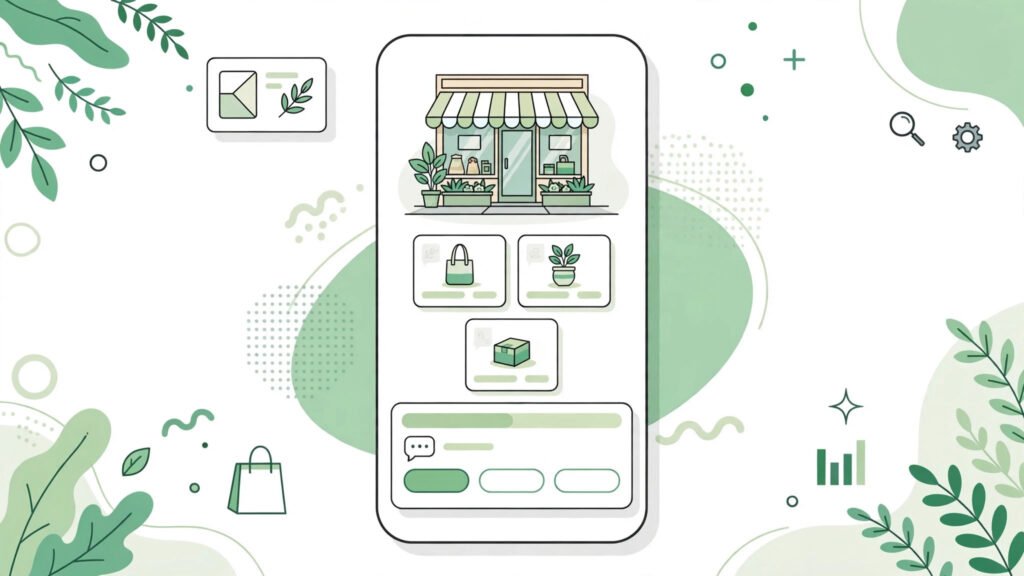
This whatsapp business app 2026 setup catalog broadcasts guide is for you if you run a small shop — a boutique, a kirana store, a salon, a bakery — your customers are already on WhatsApp. The WhatsApp Business app turns that chat habit into a proper business tool: a product catalog, quick replies, labels for customers, and broadcast messages that reach hundreds at once.
This WhatsApp Business app setup guide for 2026 walks through everything from scratch: installing it, building your business profile, creating a product catalog, and using broadcasts and labels — no Business API, no developer needed. If you are also building an audience, our WhatsApp Channels guide covers the broadcast-channel side.
WhatsApp Business App 2026 Setup Catalog Broadcasts: Getting Started
Download the WhatsApp Business app (a separate app from regular WhatsApp) from the Play Store or App Store. You will need a phone number — it can be your existing business number. During setup:
- Register your business number and verify with the OTP.
- Fill in your business profile: business name, category (e.g. Clothing Store), description, address, business hours, email, and website if you have one. This profile is what customers see when they tap your name — complete it fully; shops with complete profiles get more trust.
- Add a profile photo: your shop logo or storefront. Keep it simple and readable at small size.
- Migrate carefully: If you were using regular WhatsApp for business, your chat history can move over during setup. Back up first.
Creating Your WhatsApp Business Catalog (Step by Step)
The catalog is the best feature for small shops — it turns your WhatsApp into a mini online store customers can browse without leaving the chat. To build it:
- Open WhatsApp Business → Settings → Business tools → Catalog.
- Tap Add new item. Upload a clear product photo (good lighting, plain background).
- Add the product name, price, and a short description — sizes, colors, or variants included.
- Add a link if the product is also on your website or Instagram, and a product code for your own tracking.
- Repeat for your best sellers first — 10–20 items is a great start. You can organize items into collections (e.g. “New Arrivals,” “Under ₹500”) once the catalog grows.
Share the catalog with one tap from any chat, or pin your catalog link in your status and social media bios. Customers browse, tap what they like, and message you to order — no website needed.
Labels: Organize Your Customers
Labels are color-coded tags you attach to chats — “New Customer,” “Pending Payment,” “Repeat Buyer,” “Order Shipped.” When you have 50+ conversations a day, labels are how you stop losing track. Set them up in any chat via the menu → Label chat. Then filter your chat list by label to see, for example, everyone with a pending payment at a glance. It takes five minutes to set up and saves hours every week.
Quick Replies and Away Messages
Quick replies are saved message templates triggered by a shortcut. If you type your address, price list, or return policy ten times a day, save each as a quick reply (type “/” to bring them up while chatting). Set them up in Settings → Business tools → Quick replies.
Away messages auto-reply when you are closed. Write one friendly message — shop name, hours, and “we’ll reply first thing in the morning” — and set the schedule to your off-hours. Customers would rather get an instant acknowledgment than silence. For the full security side of your account, run through our WhatsApp privacy and security checklist so your business account stays protected.
Broadcast Lists vs Groups: Which to Use
This confuses every shop owner. Here is the practical difference:
- Broadcast lists send one message to many people individually — each recipient gets it as a personal chat from you, and replies come back to you privately. Recipients cannot see each other. Use broadcasts for offers, new arrivals, and festival greetings. Limit: 256 contacts per list, and recipients must have your number saved to receive it.
- Groups are conversations — everyone sees everyone else’s messages. Use groups only for communities (like a VIP customers club), never for one-way announcements, or your group will drown in noise.
Rule of thumb: announcements → broadcast; discussions → group. And never spam — one or two broadcasts a week is plenty. Daily “forwarded” offers are the fastest way to get blocked and reported.
Using WhatsApp Business on PC with WhatsApp Web
Managing a shop from a phone screen all day is painful. Link your Business account to WhatsApp Web or the desktop app: open WhatsApp Web, and on your phone go to Linked devices → Link a device, then scan the QR code. You can now reply to customers, manage the catalog, and send broadcasts from your computer keyboard. Our complete WhatsApp Web guide covers the setup in detail, and if you use more than one phone or tablet, see our multi-device guide to stay logged in everywhere.
Tips That Actually Grow Sales
- Put your catalog link everywhere: Instagram bio, Google Business profile, shop banner, printed QR code at the counter.
- Use status updates as a free storefront: Post daily deals and new arrivals to your WhatsApp Status — it is free advertising to everyone who saved your number.
- Follow up politely: A customer who asked about a product but did not buy gets one follow-up after 2–3 days. More than that is pestering.
- Collect reviews on chat: After a happy delivery, ask for a quick review you can screenshot (with permission) for your status.
For the official feature list and the latest updates, check WhatsApp’s official Business page.
FAQs
1. Is WhatsApp Business free? Yes, the app is completely free for small businesses. (The separate WhatsApp Business API for large companies is a paid, developer-driven product — you do not need it for a shop.)
2. Can I use the same number for WhatsApp and WhatsApp Business? No — one number, one app. Use your business number for the Business app and keep your personal number on regular WhatsApp.
3. How many products can I add to the catalog? The catalog supports up to 500 items — more than enough for most small shops. Start with your 10–20 best sellers.
4. What is the difference between a broadcast list and a group? Broadcasts send personal one-to-one messages to many people at once; groups are shared conversations where everyone sees everything. Use broadcasts for announcements.
5. Why aren’t my broadcast messages being delivered? Recipients must have your business number saved in their contacts. Ask customers to save your number when they first message you.
6. Can I use WhatsApp Business on two phones? Yes, with the multi-device/companion mode feature you can link additional phones. See our multi-device guide linked above.
7. Do quick replies work on WhatsApp Web? Yes — quick replies you create on your phone are available when chatting from WhatsApp Web or desktop.
8. How do I stop getting marked as spam? Send broadcasts only to people who opted in, keep frequency low (1–2 per week), and always provide value — offers, useful updates, not forwards.
9. Can customers pay me through WhatsApp? WhatsApp Pay availability varies by country. In India, UPI payments are integrated for many users — check the Payments option in your app settings.
10. Should a small shop use the Business API instead? No. The API is for large companies with developers. The free Business app covers everything a small shop needs: catalog, labels, quick replies, and broadcasts.
11. Can small shops really use WhatsApp Business catalog and broadcasts in 2026? Yes. The WhatsApp Business app in 2026 includes a product catalog (up to 500 items), broadcast lists (256 contacts each), labels, and quick replies. For most small shops, that covers the full setup — catalog plus broadcasts — with no paid API needed.
Conclusion
This whatsapp business app 2026 setup catalog broadcasts guide shows WhatsApp Business in 2026 gives a small shop everything a basic online store does — product catalog, customer organization, fast replies, and bulk messaging — for free, inside the app your customers already open twenty times a day. Set up your profile today, add your first ten catalog items this week, and start one broadcast list of your regulars.
The shops winning on WhatsApp are not the ones with the fanciest tools — they are the ones that reply fast and stay organized. For more practical business tech guides, keep reading AppTricko — and tell us in the comments: what does your shop sell?

Pingback: WhatsApp Communities 2026: Complete Setup Guide
Pingback: WhatsApp Payments 2026: How to Send Money Safely
Pingback: How to Schedule WhatsApp Messages in 2026 (3 Methods)
Pingback: Two WhatsApp Accounts on One Phone (4 Methods)
Pingback: Earn Money on WhatsApp 2026: 6 Realistic Ways for Beginners