
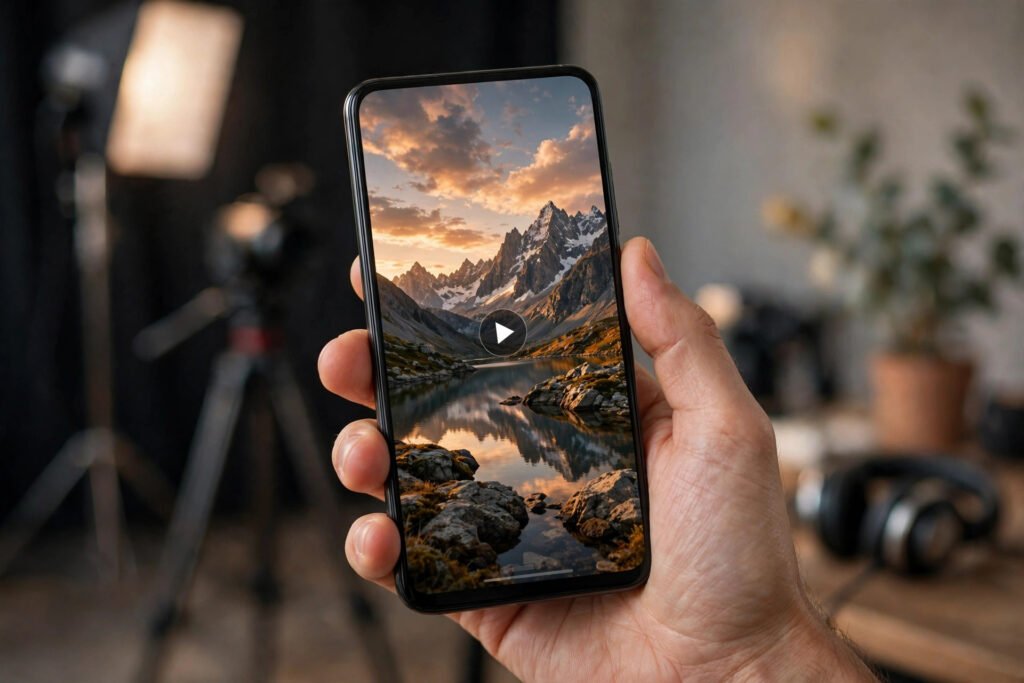
On Instagram, people decide whether to watch your reel in about one second — and they often decide from the cover photo before the video even plays. The cover is the thumbnail shown on your profile grid, in Explore and in search results. A strong cover tells a viewer exactly what they will get; a weak one, usually a random blurry frame, tells them nothing and gets skipped.
The good news is that a great reels cover does not need design skills. It needs one clear idea, readable text and a frame that still looks good when shrunk to a tiny square. Here is how to design covers that get clicks in 2026.
1. Understand where covers actually appear
Your reel cover appears in three places, and each crops differently: your profile grid shows it as a square, the Reels tab shows it tall, and Explore shows it in a grid. A cover designed only for the tall view can lose its text in the square crop. Always check the square preview before publishing — that is the view most profile visitors see.
Rule: keep the main subject and all text inside the centre square of the frame. Anything near the edges may be cut off.
2. Pick a frame that shows emotion or action
The best covers show a face with a clear expression, a before-and-after moment, or an action mid-way through happening. A talking head staring blankly at the camera is the weakest option. Scroll through your reel and pick the frame where something is clearly happening — a reaction, a result, a transformation.
Tip: if no frame works, film a dedicated cover shot: hold the finished result up to the camera, or pose the reaction you want viewers to feel.
3. Add short, bold text — five words or fewer
Cover text should promise the payoff, not describe the video. “Fix Your Reels in 60 Seconds” beats “My Thoughts on Instagram Reels Growth Strategy”. Use one bold, high-contrast font, large enough to read on a phone screen at thumbnail size. If you cannot read it with your phone at arm’s length, it is too small.
Watch out for: covering the face with text, using more than one font, or adding a paragraph. The reel itself does the explaining; the cover only has to earn the tap.
4. Use colour and contrast deliberately
Bright, simple backgrounds with one strong accent colour stand out in a grid full of busy photos. Dark text on a light background, or white text with a subtle shadow on a photo, both work — what fails is low-contrast text that melts into the image. Keep the palette to two or three colours that match your usual style, so followers start recognising your covers instantly.
5. Design a consistent series style
When every cover in a series shares a layout — same font, same text position, same colour accent — your profile grid looks professional and viewers learn to spot your content. Consistency also makes batch creation faster: duplicate a template, swap the photo and the words, and you are done. Our guide to Instagram reels templates shows how templates speed up the whole creation process.
6. How to set a custom cover in the app
When you are ready to share a reel, tap “Edit cover” on the share screen. You can pick any frame from the video or upload a custom image from your gallery. The uploaded image should be vertical, ideally 1080 by 1920 pixels, with the key content centred for the square crop. After publishing, you can still change the cover from the reel’s menu — so a weak cover is fixable, not fatal.
For the official steps, see Instagram’s help pages at Instagram Help Center.
Common cover mistakes to avoid
- Using the auto-selected first frame, which is often a blurry or blank moment.
- Text so small it is unreadable in the profile grid.
- Clickbait that the video does not deliver — viewers leave fast, and that hurts the reel’s reach.
- A different style on every cover, so the profile grid looks random.
- Hiding the subject behind stickers, emojis or watermarks.
Cover ideas that work by niche
| Niche | Cover approach |
|---|---|
| Cooking | The finished dish, close up, with the dish name |
| Fitness | A mid-workout action shot with the result promised |
| Education | A surprising fact or question as the headline |
| Travel | One stunning location shot, minimal text |
| Finance | A clear number or outcome, honestly stated |
The cover works together with the opening seconds of the reel. A great cover with a weak hook still loses viewers, so pair it with a strong opening line. Our guide to Instagram reels hooks covers opening lines that stop the scroll, and our guide to reels captions helps turn viewers into commenters.
The bottom line
Your cover is not decoration — it is the advertisement for your reel. One clear frame, five words or fewer, strong contrast and a consistent style will lift your profile’s click rate more than any hashtag trick. Design the cover before you publish, check the square preview, and never again let Instagram pick a random frame for you.


Pingback: Instagram Reels Growth in 2026: A Practical Guide for Small Creators - DrViram.in
Pingback: How to Batch-Create Instagram Content in 2026: Weekly Workflow
Pingback: How to Go Live on Instagram in 2026: Eligibility, Setup & Tips