If you run a small shop, a home business, or a local service, you probably already have WhatsApp open all day. What many owners miss is that the Status tab sitting right there is a free notice board your customers actually check. Learning how to use whatsapp status to promote your business costs nothing, needs no ad budget, and takes only a few minutes a day. This guide answers the questions small business owners ask most, so you can start posting with confidence.
How to Use WhatsApp Status to Promote Your Business for Free
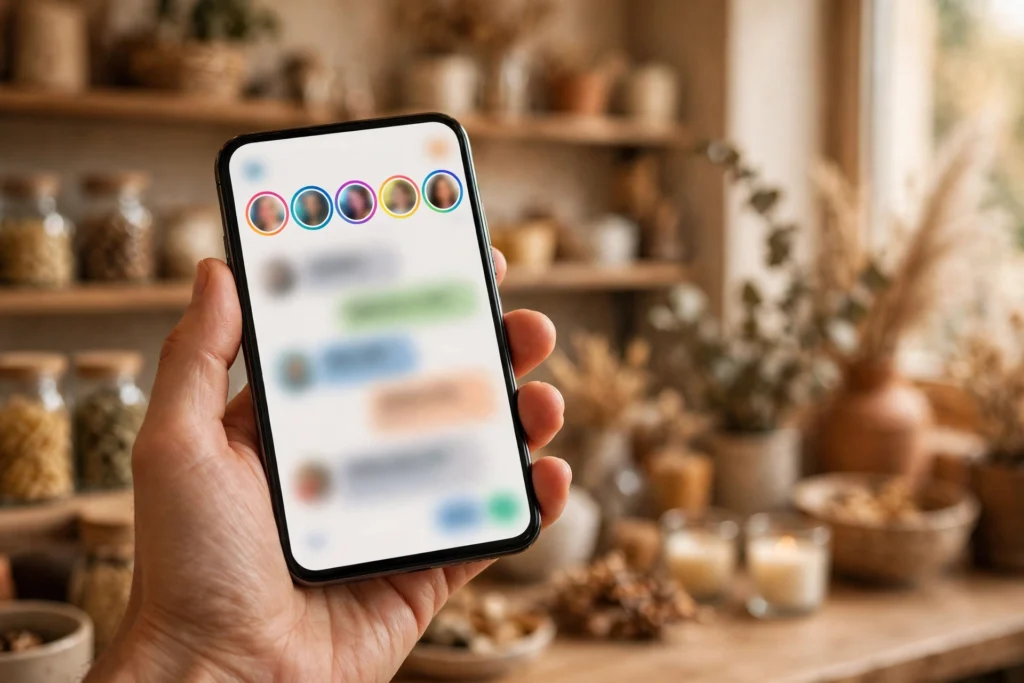
WhatsApp Status works like a short-lived story. A photo, video, or text update you post stays visible for 24 hours, then disappears on its own. Only people who have your number saved in their contacts can see it, and you can see exactly who viewed each update. That makes it very different from a broadcast message: nobody feels spammed, because people choose to tap and look.
For a small business, that combination is useful. You can show today’s offer in the morning, a new product in the afternoon, and a customer thank-you note in the evening, all without paying for ads. The WhatsApp Help Center explains the basics of how Status, privacy settings, and viewing work, and it is worth a quick read before you change any settings.
Questions Business Owners Actually Ask
What should I post on WhatsApp Status to promote my business?
Post things your customers would want to see before they buy. Clear photos of your products, today’s price or offer, new arrivals, and short videos of the product in use all work well. A photo of a cake fresh out of the oven sells a bakery far better than a paragraph of description. Mix in behind-the-scenes moments too: your shop opening in the morning, packing an order, or a quick clip of you at work. These build trust, because customers see a real person behind the business. Avoid posting the same flyer every day; people stop looking when every update looks identical.
How often should I post Status updates?
Two to four updates a day is a good range for most small businesses. One in the morning, one around lunch, and one in the evening keeps you visible without crowding your customers’ Status feed. Posting ten updates in one hour usually backfires: people tap through quickly or stop opening your updates altogether. If you have several products to show, spread them across the day instead of dumping them all at once.
What is the best time to post WhatsApp Status?
There is no single best time that fits every business, because your customers’ routines decide it. In general, mornings before work, the lunch break, and the evening after dinner are the times people scroll through Status most. A food business often does well posting lunch specials late morning, while a clothing shop may get more views in the evening when people are free to browse. Watch your own view counts for a week or two and shift your important updates to the slot that gets the most views.
How do I get more people to see my Status?
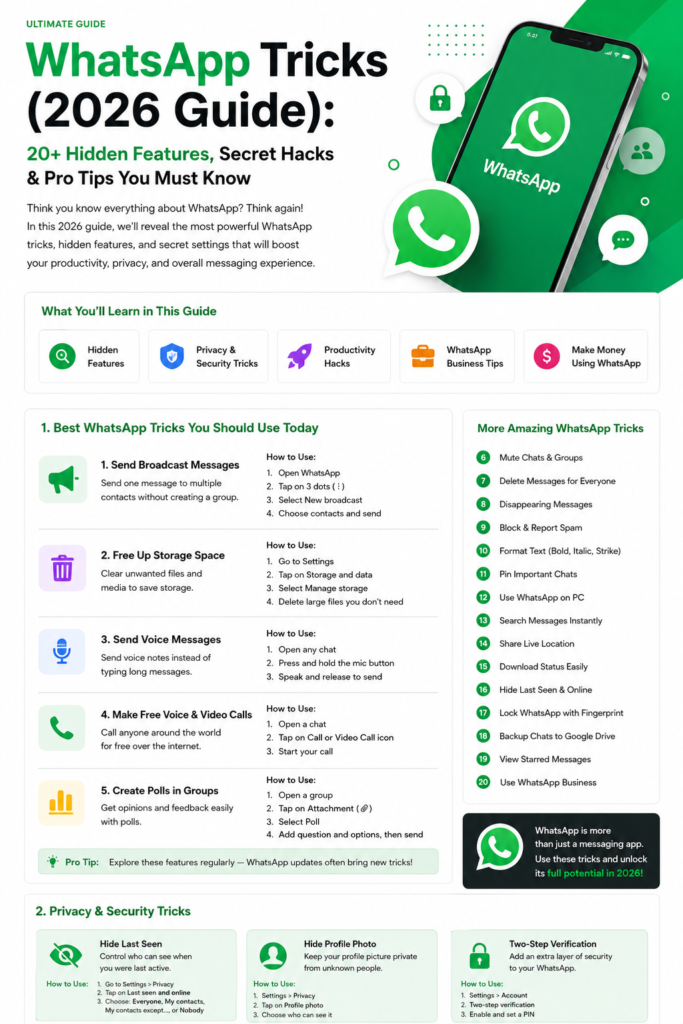
Status is only visible to contacts who have saved your number, so growing your contact list is the real work. Ask every customer to save your number when they buy from you, and save theirs in return. Print your number on your bill, your shop board, and your packaging. A broadcast list helps too, because it lets you send a message to many customers at once, but for Status itself the key is simply more saved contacts.
Can I sell directly through WhatsApp Status?
Yes, and this is where Status earns its keep. Post the product photo, add the price, and end with a simple line like “DM to order” or “Reply to book.” Customers who are interested will message you directly, and you can take the order in chat. The WhatsApp Business app makes this easier, because you can build a product catalogue and link customers to it instead of typing prices again and again.
Should I switch to WhatsApp Business for Status?
If you use WhatsApp to sell, switching to WhatsApp Business is worth it. Your Status works the same way, but you also get a business profile with your address, timings, and a description, plus tools like a product catalogue, quick replies, and labels to organise customers. Read our guide on setting up the WhatsApp Business app with a catalogue and broadcasts for the full step-by-step. For a shop of any size, the business version simply fits the job better than the regular app.
What kind of photos and videos work best on Status?
Clear, bright, and simple. One product per photo, good light, and no clutter in the background. Short videos of 15 to 30 seconds usually hold attention better than long ones; show the product, show it being used, and stop. Avoid covering the image with too much text — a short caption with the price is enough. If you are sending photos from your phone, remember that WhatsApp can compress them, so check our guide on how to send HD photos and videos on WhatsApp to keep your product shots looking sharp.
How do I know if my Status is working?
WhatsApp shows you who viewed each Status update, so you can track what gets attention and what does not. If a new product photo gets many views and several replies, post more like it. Replies and direct messages matter more than raw view counts: a Status that brings five orders is doing its job even if it had fewer views than another one. For more ways to make your updates stand out, see these 9 tricks to make your WhatsApp Status stand out, from better photos to smarter timing.
Can I reuse my WhatsApp Status on Instagram or Facebook?
Yes, and reusing saves time. A good product photo or short video can go on your WhatsApp Status, your Instagram story, and your Facebook story the same day. Just remember each platform has a different audience: your WhatsApp viewers are mostly existing customers, while Instagram and Facebook can reach new people. If you want to reach people beyond your contacts, WhatsApp Channels let you broadcast updates to followers who do not need your number saved, which is a useful next step once your Status routine is working well.
Final Thoughts
WhatsApp Status is one of the simplest free marketing tools a small business has. It costs nothing, takes minutes, and puts your products in front of people who already know you. Start small: one clear photo a day, the price in the caption, and a reply line that makes ordering easy. Once you know how to use whatsapp status to promote your business, the habit itself does the work — watch which updates get views and messages, keep doing more of those, and drop what does not work. Done steadily, those small daily updates add up to real orders, with no ad spend required.

Dr Vivek Garg runs drviram.in — a tech blog about AI tools, apps, and online earning. Every guide here is tested hands-on before it is published.