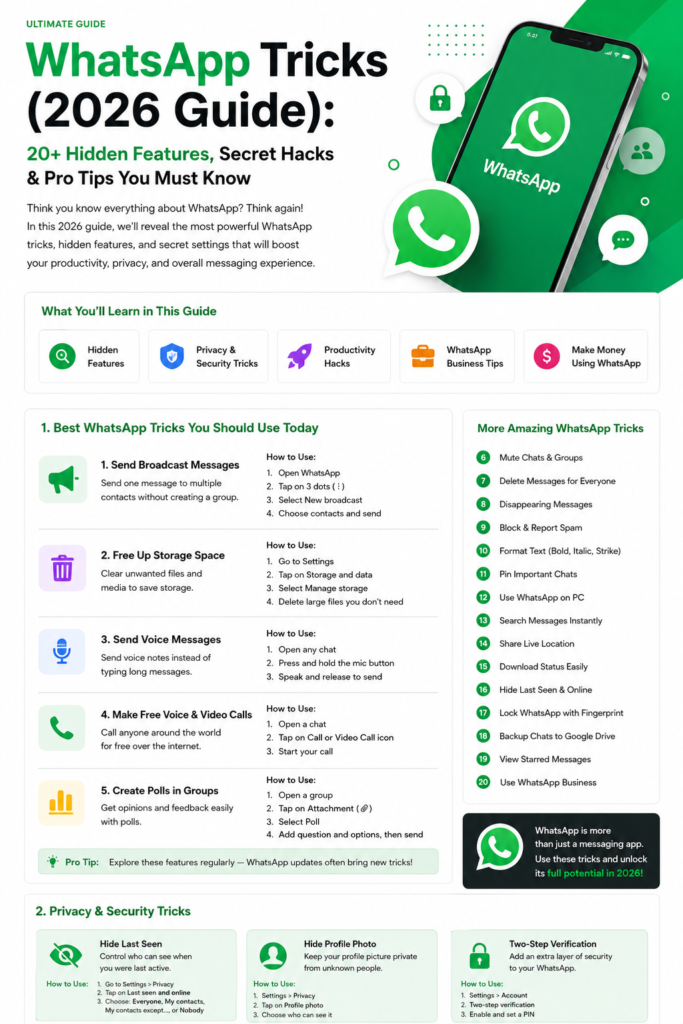
You posted a status, and now you are curious: who actually watched it? The good news is that how to see who viewed your whatsapp status has a simple, built-in answer — WhatsApp shows you the list itself. The bad news is that everything else you have heard about tracking WhatsApp viewers — the apps, the tricks, the “secret” settings — is mostly myth. This guide gives you the honest answers, question by question.
How to See Who Viewed Your WhatsApp Status
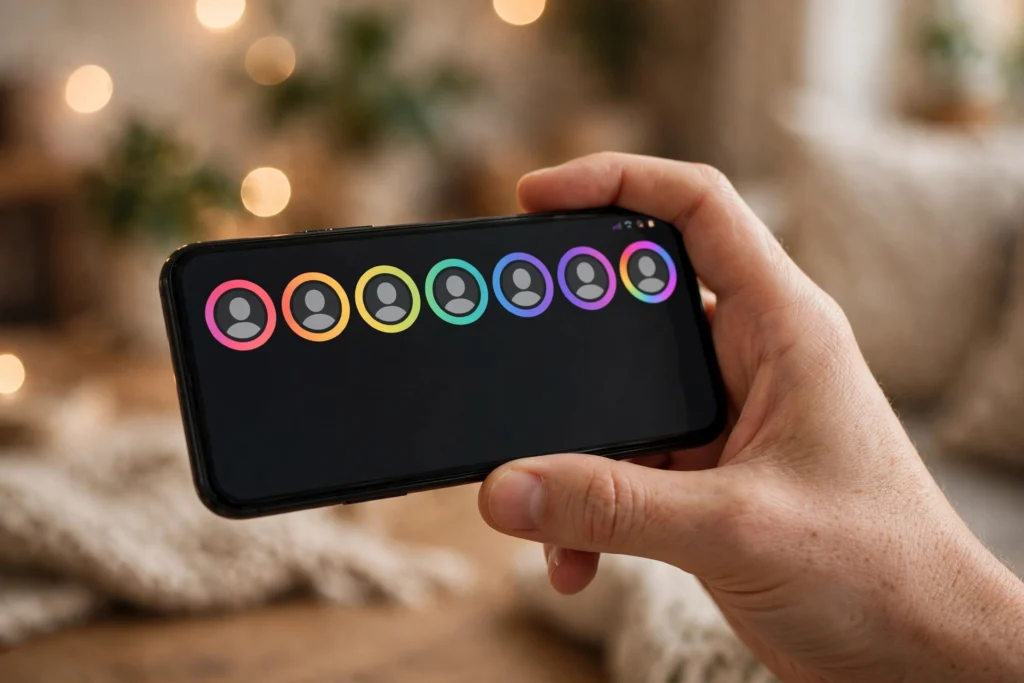
WhatsApp has a built-in viewer list, and it takes about five seconds to check. Open WhatsApp, go to the Updates tab, and tap “My status”. Tap the status you posted, then tap the eye icon at the bottom of the screen. The list that appears shows everyone who has viewed that status, in the order WhatsApp recorded them.
A few things to know about that list: it only exists for 24 hours, while the status itself is live — once the status expires, the viewer list disappears with it. It only counts people who have actually opened your status, not people who merely saw your name in their updates list. And it only works when your own read receipts are switched on, which brings us to the first common question.
If you want your statuses to look their best before anyone views them, our guide to WhatsApp status tricks shows nine ways to make a status people actually stop to watch.
Questions Everyone Asks
Why can’t I see who viewed my status?
The usual reason is read receipts. If you have switched off read receipts in Settings, then Privacy, then Read receipts, WhatsApp hides the viewer list from you as well — it is a two-way deal. Switch read receipts back on and the eye icon returns. Note that switching them back on does not recover the viewers of statuses you posted while they were off; it only works going forward. Another possibility: nobody has viewed the status yet. The eye icon only appears once there is at least one viewer.
Can I see who viewed my WhatsApp profile?
No — and this is the most important answer in this article. WhatsApp does not show who viewed your profile, your profile photo, or your “about” text, and there is no setting that turns this on. Any app that claims to show your WhatsApp profile visitors is lying. These apps cannot access data that WhatsApp itself does not collect for you, and most of them exist to show you ads, harvest your contacts, or worse. If you have installed one, delete it and change your WhatsApp habits instead: control who sees your profile photo and status through the privacy settings, which our complete WhatsApp privacy settings checklist explains step by step.
Can someone see my status without appearing in the viewer list?
Yes, in a few ways. If someone has switched off their own read receipts, they can view your status without appearing on your list — the same two-way rule as above. Someone can also view your status from the WhatsApp web preview or a notification without fully opening it, though in practice a proper view is almost always recorded. There is no reliable trick that guarantees invisible viewing, and the methods people share online — airplane mode, half-swipes, third-party viewers — either do not work or stop working with the next app update.
Can I hide my status from specific people?
Yes, and this is the control most people actually want. Go to Settings, then Privacy, then Status, and choose “My contacts except…” to exclude specific people, or “Only share with…” to share with a chosen few. Your status then becomes invisible to everyone you excluded, and they will not appear in your viewer list because they never saw it. The official WhatsApp Help Center explains status privacy settings in detail, including how the audience choices work on linked devices.
Does blocking someone remove them from my status views?
Blocking someone removes them from your viewer list and stops them seeing future statuses entirely — but it also stops you seeing their statuses and messages, and it removes them from your contacts’ view of each other. If you only want to hide statuses, use the “My contacts except…” option instead of blocking; it is quieter, reversible, and does not cut off messaging. And if there are private chats you want to keep out of sight entirely, WhatsApp Chat Lock hides and locks individual conversations behind your fingerprint or face.
How long do status views stay visible?
Exactly as long as the status itself: 24 hours from posting. After that, the status and its viewer list both disappear. WhatsApp does not keep a history of who viewed your old statuses, so if you want to know, check before the 24 hours are up.
Do views from WhatsApp Business or linked devices count?
Yes — a view is a view, whether the person opened your status on their phone, on WhatsApp Web, or on a linked device. The viewer list is the same across all your linked devices, so you can check it from your computer too. If a chat disappears from your phone, by the way, your old statuses are not the thing to worry about — your chats are. Our guide to WhatsApp archived chats explains how to find conversations that seem to have vanished.
Should I trust apps that promise “who viewed my profile”?
No. No app can show you WhatsApp profile visitors, because WhatsApp does not expose that information to anyone — not to you, and not to third-party apps. The apps that claim to do this typically show a random list of your contacts, bombard you with ads, and ask for permissions they do not need, like reading your contacts or running in the background. The only viewer information WhatsApp genuinely gives you is the status viewer list described above, and that is available inside the app itself, free.
The Bottom Line
Here is the whole truth about how to see who viewed your whatsapp status: tap your status, tap the eye icon, and read the list WhatsApp gives you. Keep your read receipts on if you want that list to work. Control who sees your status with the privacy settings instead of chasing apps that promise the impossible. And if you care about who sees your content, spend the effort on making statuses worth watching — the viewers will take care of themselves.

Dr Vivek Garg runs drviram.in — a tech blog about AI tools, apps, and online earning. Every guide here is tested hands-on before it is published.