
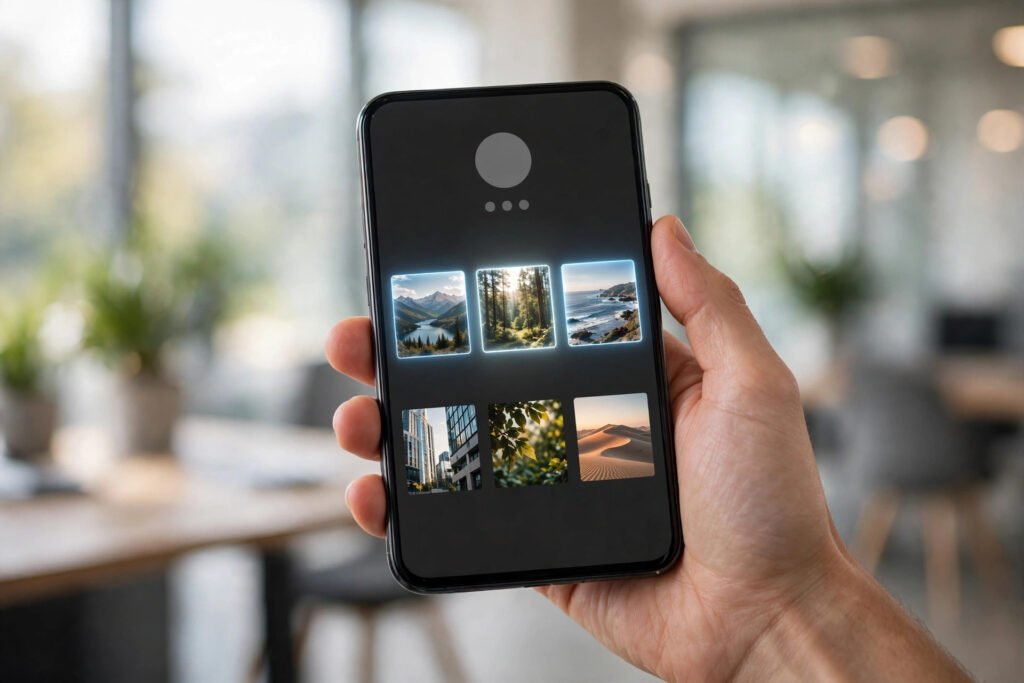
When someone visits your Instagram profile, they decide in about three seconds whether to follow you. Pinned posts are how you control those three seconds: they lock your best content to the top of your grid, so every visitor sees your strongest work first instead of whatever you posted last.
Instagram lets you pin up to three posts or reels to your profile. It’s a small feature with outsized impact — if you use it deliberately. Here’s exactly how pinning works in 2026, what to pin for growth, and the mistakes that waste the slot.
What pinned posts actually do
A pinned post stays fixed at the top of your profile grid, marked with a small pin icon, no matter how much new content you publish. Visitors see your three pins before anything else. Pinning doesn’t change how a post performs in the feed — it changes your profile’s first impression, which is what converts profile visitors into followers.
Think of pins as your profile’s trailer: three slots to answer “why should I follow this account?” Pair them with a well-optimized profile — our guide to Instagram SEO covers the bio, name field, and keywords that get you discovered in the first place.
How to pin a post or reel: the steps
On the Instagram app (iPhone and Android)
- Go to your profile and find the post or reel you want to pin.
- Open the post and tap the three dots (⋯) in the top-right corner.
- Tap “Pin to your profile.” Done — it now sits at the top of your grid with a pin icon.
- Repeat for up to three posts. If you pin a fourth, Instagram asks you to unpin one first — the limit is strictly three.
On desktop
Pinning works on instagram.com too: open the post, click the three dots, and choose “Pin to your profile.” The same three-pin limit applies. If menu labels look different, check the Instagram Help Center — paths occasionally shift with app updates.
Pinned posts vs. Highlights: don’t confuse them
Pins and Highlights both sit at the top of your profile, but they do different jobs. Pinned posts are feed content — reels, carousels, photos — locked to the top of your grid so visitors see your best work first. Highlights are collections of expired Stories, living in the row of circles under your bio, and they’re better for evergreen info: pricing, FAQs, reviews, behind-the-scenes.
Use both together: pins for the three strongest reasons to follow you, Highlights for the practical details a new follower needs next. Neither replaces the other.
How to unpin a post
Changed your mind? Open the pinned post, tap the three dots, and choose “Unpin from profile.” The post stays on your grid in its normal chronological position — unpinning only removes it from the top row. Rotate your pins every month or two so returning visitors see fresh highlights.
What to pin for growth (the strategy)
- Your highest-performing post. The reel or carousel with the most saves and shares is proven content — pinning it gives every new visitor your best foot forward.
- Your “who I am” introduction. A post that explains what you do and who your content is for. New visitors shouldn’t have to guess.
- Your best proof or offer. A testimonial, a transformation, your most useful free tip — something that makes following feel worthwhile. Creators serious about conversions should also design strong Instagram Highlights covers, since visitors scan those right after your pins.
- Mix formats. One reel (shows personality), one carousel (shows expertise), one photo or testimonial post (shows credibility) covers every visitor type.
- Update seasonally. Launching something new? Pin the announcement. Seasonal content, new offers, and viral posts deserve the slot while they’re relevant.
Pinning mistakes that waste the slot
- Pinning and forgetting. A pin from eight months ago signals a dead account. Review your pins quarterly at minimum.
- Pinning low-effort posts. The top row is prime real estate — pinning a random selfie or a repost with no context tells visitors nothing. Only your strongest, most representative content earns the pin.
- Pinning carousels nobody saves. If a carousel has low saves and shares, pinning won’t rescue it — and it takes a slot from content that converts. Learn what makes carousels worth saving with our carousel design guide before choosing.
- Three pins telling the same story. Three reels from the same series is redundant. Each pin should sell a different reason to follow.
The bottom line
Three pins, three seconds, one decision: follow or leave. Pin your best-performing content, a clear introduction to who you are, and one piece of proof — then refresh the lineup every couple of months. It’s the simplest profile upgrade on Instagram, and it takes under a minute.
What are your three pins right now — and do they earn their slots? Tell us in the comments, and keep following AppTricko.

