
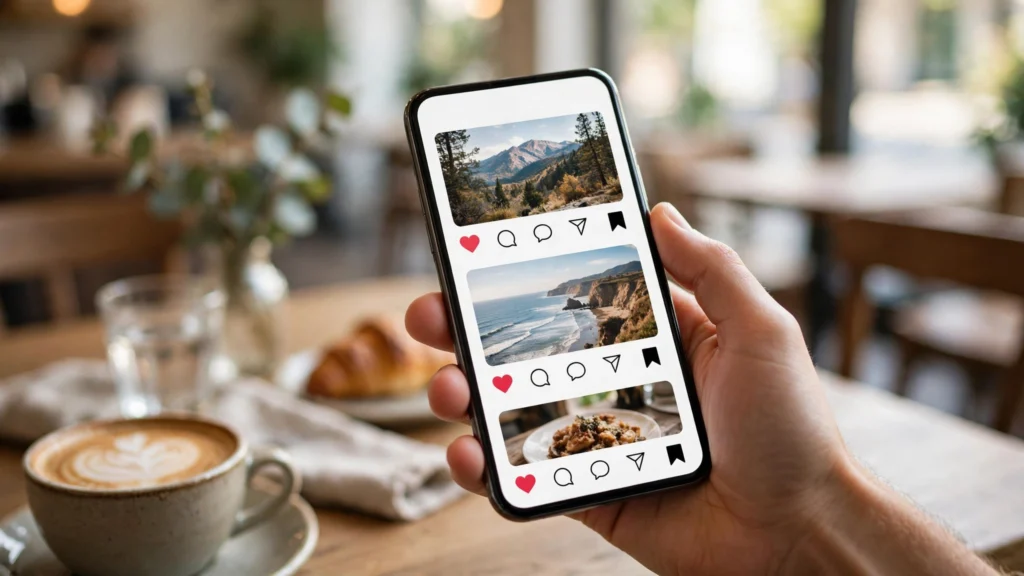
Likes are cheap. A save means someone thought your post was worth coming back to, and Instagram treats that as a strong signal that the content is valuable. That is why saves matter more than likes for reach in 2026: a post people save keeps getting shown to new audiences long after it was published. This guide explains how to get more saves on instagram 2026 with nine tactics that work for small accounts too — no bots, no engagement pods, no buying anything.
Before the tactics, one honest note: you cannot force saves. You earn them by posting something a person wants later. Every tactic below is a different way to make your post worth keeping.
How to get more saves on instagram 2026: 9 tactics
1. Post carousels people treat like mini-guides
A single image gets a glance. A carousel gets a save, because each slide adds a step, a tip, or an example worth re-reading. Turn one idea into a 5–7 slide carousel: a clear promise on slide one, one useful point per slide, and a short summary on the last slide. Our guide on Instagram carousel posts shows how to design carousels that get saves, including cover design and slide flow.
2. Make checklists and cheat sheets
People save what they plan to use. A checklist, a template, a step-by-step, or a “save this for later” list outperforms a motivational quote every time. Think about what your audience looks up repeatedly — a packing list, a caption formula, a settings checklist — and turn it into a post. If it is useful on a busy day, it gets saved.
3. Open with a hook that promises value
Nobody saves a post they did not stop for. The first line decides whether they keep reading, so promise a specific benefit: “5 settings that double your battery life” beats “some phone tips”. Our list of Instagram Reels hooks has opening lines that stop the scroll, and the same idea works for captions and carousel covers.
4. Teach something in 30 seconds
Short how-to Reels get saved because they solve a small problem fast. Pick one micro-skill — one setting, one recipe step, one editing trick — and show it start to finish in under half a minute. Viewers save it to try later, which is exactly the behaviour you want. Keep the caption short and repeat the steps there so the save is useful even without the video.
5. Ask for the save — directly and honestly
Saying “save this for when you need it” works, but only when the post actually deserves it. Put the reminder at the end of the caption or the last carousel slide, not the first line. It feels natural there, after you have delivered the value. Overusing it on every post trains your audience to ignore it, so save the ask for your best posts.
6. Post content people revisit, not just react to
Ask yourself before posting: would someone need this next week? Reference posts — price lists, schedules, routines, comparisons, and “best of” roundups — get saved because they stay relevant. News and opinions get comments; references get saves. A healthy account needs both, but if your saves are low, you probably post too much of the first kind and too little of the second.
7. Use Stories to resurface your best posts
Your old posts do not die — they just stop being shown. Share your best-performing post to Stories a week later with a short note about why it is worth saving. This brings new eyes to a proven post, and new viewers save what they missed the first time. Our guide on how to increase Instagram Story views explains how to get more people to actually see those reshares.
8. Check which posts already get saved — and make more like them
Instagram Insights shows saves per post, and that number is your best teacher. Look at your top five saved posts from the last three months and find the pattern: the topic, the format, the length. Then make three more posts in that exact pattern. Our guide to Instagram analytics explains which metrics actually matter, and saves is near the top of that list.
9. Post when your audience is actually awake
A useful post published at 3 a.m. gets buried before your audience wakes up. Check Insights for the hours your followers are active and publish your save-worthy posts in those windows. Timing will not fix weak content, but it makes sure good content gets its fair chance to be seen — and saved.
Start with one tactic this week
You do not need all nine at once. Pick the one that fits your next post — a carousel, a checklist, or a clearer hook — and watch the saves number in Insights over the next few days. That is how to get more saves on instagram 2026 in practice: one save-worthy post at a time, measured, repeated, and improved. Saves grow slowly at first, then compound: every saved post keeps working for you long after you published it. Make something worth keeping, and the saves will follow.

