
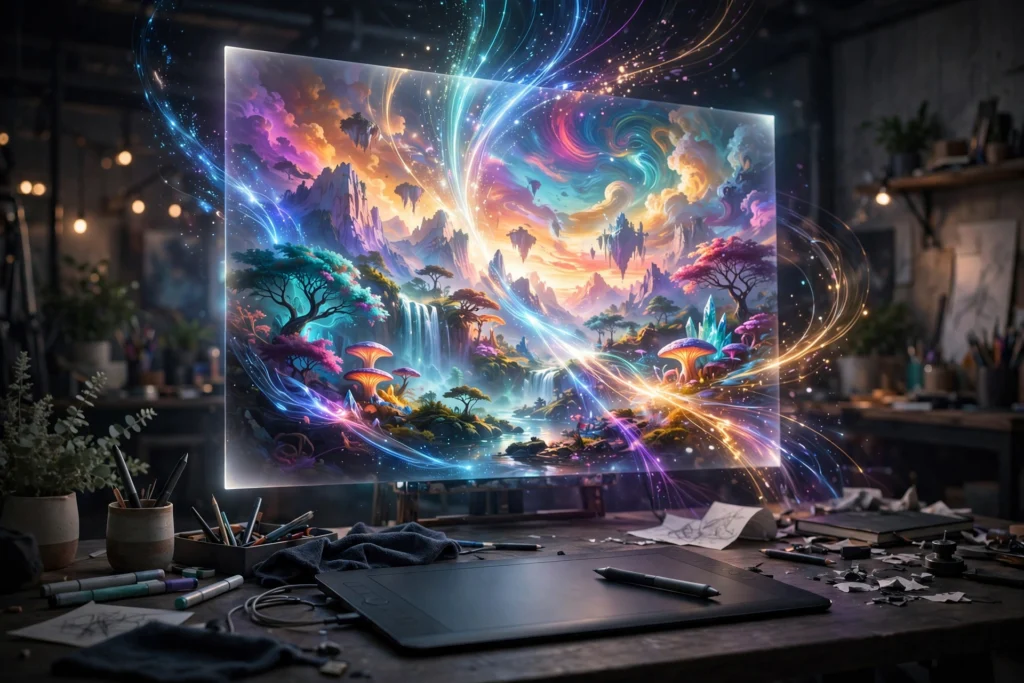
You have seen the images everywhere — stunning portraits, dreamy landscapes, product mockups that never existed. Most were not photographed or painted. They were typed: a few sentences of description, a few seconds of processing, and an AI image generator produces professional-looking digital art.
This guide compares the best free ai image generators 2026 offers — what each tool does well, what the free tier actually gives you, how to write prompts that work, and the commercial-use basics most people skip. No “one tool beats everything” hype. Just honest comparisons.
What AI Image Generators Actually Do
An AI image generator turns a text description (a prompt) into an image. Type “a cozy mountain cabin at sunset, watercolor style” and the tool creates a brand-new image from what it learned during training.
They are genuinely good at illustrations, blog headers, thumbnails, mockups, and creative experiments. They are still weak at readable text inside images, hands in close-up portraits, and exact replicas of real people. If you also work with video, pair these with our AI video generation tools guide — the same prompting skills transfer directly.
Best Free AI Image Generators in 2026
1. Microsoft’s Image Creator (DALL-E powered)
The best starting point for most people. Free with a Microsoft account, it handles natural-language prompts well and renders short text inside images better than most free tools. Integration with Microsoft Designer makes turning generations into social posts easy.
Best for: beginners, blog graphics, and social media posts.
2. Adobe Firefly (free tier)
Firefly’s edge is trust: it was trained mainly on licensed and public-domain content, making it the comfort pick for commercial work. The free tier gives a monthly allotment of generative credits — enough for regular small projects. Check Adobe’s official Firefly page for current credit limits, since tiers change.
Best for: designers and anyone who cares about commercial-use safety.
3. Canva’s Magic Media
If you already design in Canva, this is the most convenient option — type a prompt inside the editor and the image appears in your design. The free plan includes a limited monthly allowance, plenty for thumbnails and post headers.
Best for: social media creators who live inside Canva.
4. Ideogram
Ideogram built its reputation on readable text inside images — posters, thumbnails, and logo concepts come out correctly far more often here. The free tier offers daily generations. Style leans polished and graphic.
Best for: thumbnails and any image that needs readable words.
5. Leonardo AI (free tier)
The pick for control freaks: fine-tuned models for anime, photorealism, and game assets, plus settings for aspect ratio and detail. Daily free tokens reset regularly. Slight learning curve, but less “generic AI” looking results.
Best for: artists and anyone who wants stylistic control.
How to Write Prompts That Actually Work
The difference between a mediocre AI image and a great one is almost always the prompt:
- Subject first, specific: “a red vintage bicycle leaning against a brick wall” beats “a bike.”
- Add style and mood: “cinematic lighting,” “watercolor illustration,” “flat vector style.”
- Set composition: “close-up,” “wide landscape,” “16:9 banner format.”
- Use negative prompts: “no blurry, no extra fingers, no watermark.”
- Iterate: the first generation is a draft. Tweak one element at a time until it lands.
Commercial Use: Read the Fine Print
Can you use AI-generated images for business or client work? It depends on the tool, and terms change. Some grant broad commercial rights on free tiers; others restrict them or require attribution. Rules also differ by country and are still evolving in courts.
The practical rule: read the terms of service of the specific tool you use, on the day you use it — never rely on any blog for legal permission. For paid work, prefer tools with the clearest commercial terms, like Adobe Firefly. Similar licensing questions apply to audio — see our AI voice generator comparison.
Mistakes Beginners Make
- Expecting perfect text: unless using Ideogram, assume words will be misspelled — add text later in Canva instead.
- Accepting the first result: professionals generate 5–10 variations and pick the best.
- Ignoring aspect ratio: set the format before generating, not after.
- Skipping the zoom-in check: AI artifacts hide in hands, faces, and backgrounds.
- Paying before testing free tiers: free plans are genuinely capable. Subscribe only when you hit limits consistently — the same logic as our AI chatbot comparison recommends.
FAQs
1. What is the best free AI image generator in 2026? Microsoft’s DALL-E-powered Image Creator is the best all-round free pick for beginners. Adobe Firefly suits commercial work; Ideogram is best for images with readable text.
2. Are AI image generators really free? All five tools here have genuinely usable free tiers with daily or monthly generation limits. Heavy users eventually need a paid plan.
3. Can I use AI-generated images commercially? Sometimes — it depends on each tool’s terms, which change. Always read the current terms of the tool you use before commercial work.
4. Why does text in AI images look garbled? Most models generate pixels, not letters. Ideogram handles text best; otherwise add text afterward in an editor like Canva.
5. Do I need artistic skills? No. Clear, descriptive writing matters more than drawing ability — describe subject, style, and mood in plain words.
6. Can these tools copy a real person’s face? Most major tools block generating images of real, identifiable people. Do not try to work around this.
7. Which tool is best for YouTube thumbnails? Ideogram, because thumbnails need readable text. Generate the background, then add bold title text in Canva for full control.
8. Who owns AI-generated images? Ownership rules vary by tool and country and are still being decided in courts. Check your tool’s terms before commercial use.
9. How many images can I generate free? It varies — typically a daily or monthly allowance. Check each tool’s official site for current free-tier limits.
10. Should I edit AI images afterward? Yes. Touch up artifacts, add text, adjust colors, crop to format — treat AI output as a starting point, not a finished product.
Conclusion
AI image generators in 2026 are genuinely useful creative tools, and the free tiers cover blogs, social media, and thumbnails well. Start with Microsoft’s free Image Creator, learn to write specific prompts, and only pay when you outgrow the free limits.
The tool matters less than the skill: clear prompting and careful editing turn average generations into professional visuals. For more honest AI guides, keep reading AppTricko — and tell us in the comments: which image generator are you using right now?


Pingback: Best Free AI Presentation Makers 2026: 6 Tools That Build Slides for You - AppTricko
Pingback: Best Free AI Design Tools 2026: 6 Picks
Pingback: Best Free AI Interior Design Tools 2026: 6 Tools That Redesign Your Room - AppTricko