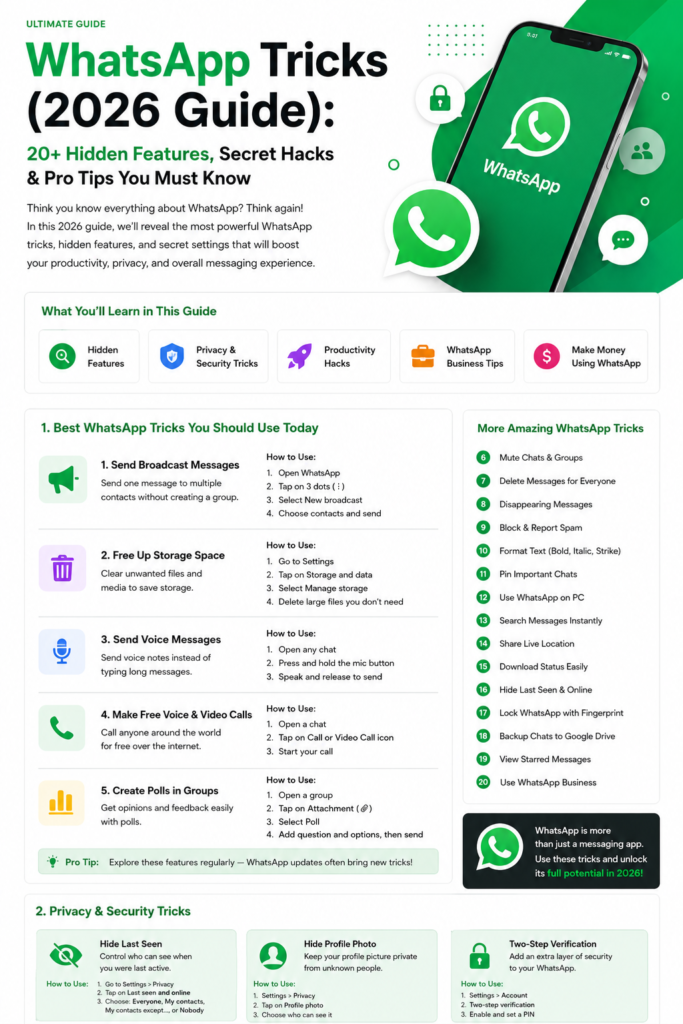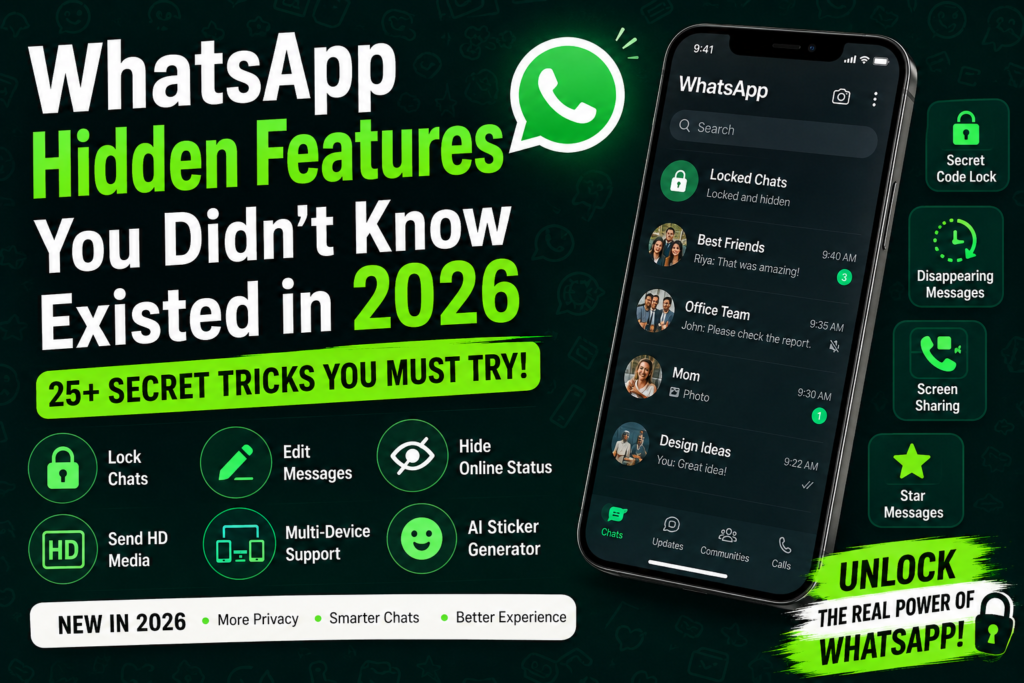
WhatsApp Tricks (2026 Guide):
WhatsApp has evolved far beyond a simple messaging app. In 2026, it has become a complete communication ecosystem—combining messaging, AI, business tools, and automation.
However, most users still use only 20% of its real capabilities.
This guide reveals the most powerful WhatsApp tricks, hidden features, and pro-level hacks that can completely change how you use the app.
🔐 1. Chat Lock – Advanced Privacy Control
One of the most powerful features introduced in recent updates is Chat Lock.
What it does:
- Locks specific chats using fingerprint, Face ID, or password
- Moves locked chats to a hidden folder
How to use:
- Open any chat
- Tap on the contact name
- Scroll down → Enable Chat Lock
Why it matters:
- Protect sensitive conversations
- Keep personal chats private even if someone accesses your phone
✏️ 2. Edit Sent Messages (Fix Mistakes Instantly)
Sent the wrong message? No problem.
Feature:
- You can edit messages after sending them
Steps:
- Long press the message
- Tap Edit
Limit:
- You have 15 minutes to edit the message
📸 3. Send HD Photos & Videos Without Losing Quality
By default, WhatsApp compresses media.
Trick:
- While sending, tap HD option
Pro Tip:
- Send files via Document option for original quality
🤖 4. WhatsApp AI Integration (2026 Upgrade)
WhatsApp is now integrating AI features that change everything.
Key uses:
- Auto-replies
- Smart suggestions
- Chat summaries
For business:
- Automate customer support
- Save time and increase efficiency
⏰ 5. Schedule Messages (Smart Workaround)
Still no official feature—but there’s a solution.
Options:
- Use WhatsApp Business tools
- Use automation apps (carefully)
Use cases:
- Birthday wishes
- Marketing campaigns
- Reminders
👁️ 6. Hide Online Status Completely
Want full privacy? This is essential.
Steps:
Settings → Privacy → Last Seen & Online
Set:
- “Nobody” or “Same as Last Seen”
📖 7. Read Messages Without Blue Tick
Trick:
- Turn ON Airplane Mode
- Open WhatsApp and read message
- Close app before turning internet ON
✔ Sender won’t know you’ve read it
📌 8. Pin Important Chats
Feature:
- Pin chats at the top
Limit:
- Up to 3 chats
Best for:
- Family
- Work
- Important clients
☁️ 9. Use WhatsApp as Free Cloud Storage
Trick:
- Message yourself
Use:
- Store files
- Save links
- Keep notes
🎙️ 10. Convert Voice Messages to Text
Feature:
- Voice notes can now be transcribed
Benefits:
- Read instead of listening
- Useful in meetings or noisy environments
📊 Quick Overview Table
| Feature | Benefit | Best Use |
|---|---|---|
| Chat Lock | Privacy | Personal chats |
| Edit Message | Accuracy | Correct mistakes |
| HD Media | Quality | Content sharing |
| AI Tools | Automation | Business |
| Self Chat | Storage | Backup |
Pros & Cons
✅ Pros:
- Strong privacy features
- Advanced automation tools
- Free and widely accessible
- Business-friendly ecosystem
❌ Cons:
- Some features limited by region
- AI features still evolving
- Third-party tools can be risky
FAQs (Top 10)
1. Is WhatsApp safe in 2026?
Yes, it uses end-to-end encryption for messages.
2. Can Chat Lock be bypassed?
No, it uses biometric security.
3. How to send photos without losing quality?
Use HD option or send as document.
4. Is WhatsApp AI free?
Basic features are free; advanced tools may expand later.
5. How long can I edit a message?
Within 15 minutes of sending.
6. Can I hide my online status?
Yes, from Privacy settings.
7. Is scheduling messages officially available?
Not yet, but workarounds exist.
8. Can I recover deleted chats?
Yes, via backup.
9. How to store files in WhatsApp?
Use self-chat feature.
10. Are third-party apps safe?
Use only trusted ones—many are risky.
Conclusion
WhatsApp in 2026 is more powerful than ever. If you’re only using it for basic messaging, you’re missing out on features that can save time, improve privacy, and even help you grow a business.
Start using these tricks today and turn WhatsApp into a smart productivity tool.