
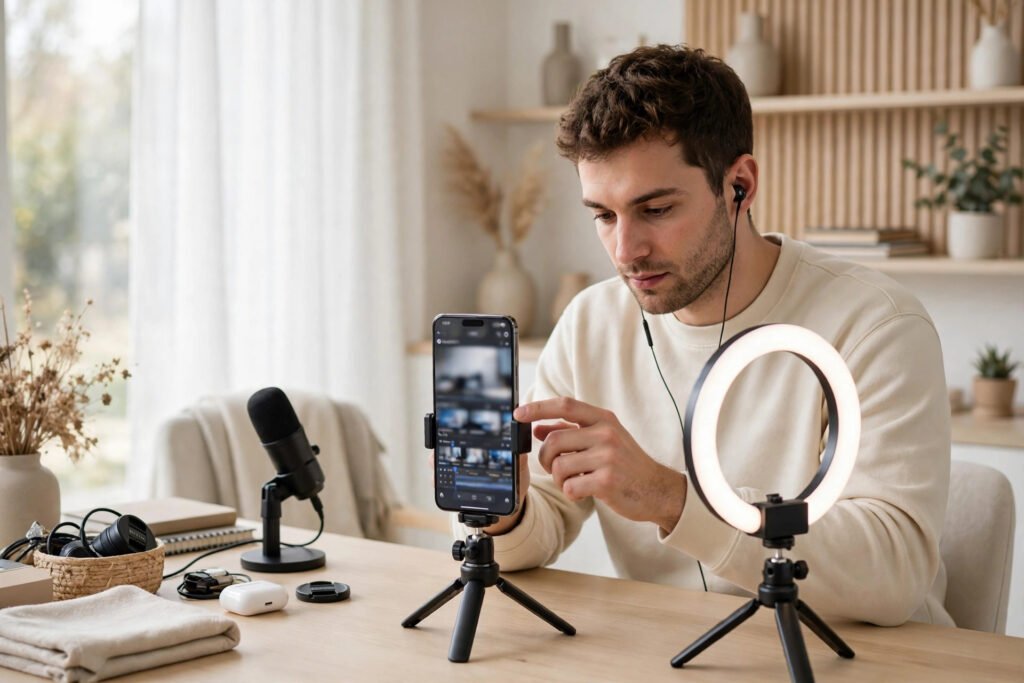
Instagram’s Edits app and the editor built into Instagram can both help you prepare short videos, but they serve slightly different workflows. The right choice depends on how much control you need, whether you want to keep projects organized, and where you prefer to finish your video. This comparison focuses on the practical decisions creators should make before choosing an editing workflow.
What Is the Edits App?
Edits is a separate video-editing app from Meta designed for creating and preparing short-form videos. It gives creators a dedicated workspace for projects and editing rather than keeping every step inside the Instagram posting screen. The available tools and interface can change as the app is updated, so check the current app listing and in-app help for the latest feature availability.
What Is Instagram’s Built-In Reels Editor?
The built-in Reels editor is part of Instagram’s publishing flow. It is convenient when you want to record or import clips, make straightforward edits, add Instagram-native elements, and publish without moving between apps. It can be enough for a simple Reel or a quick post made from a few clips.
Key Differences to Consider
| Consideration | Edits app | Instagram Reels editor |
|---|---|---|
| Workflow | Separate editing workspace for projects | Editing is part of the Instagram creation and publishing flow |
| Project organization | Useful when you want to keep drafts and project work together | Convenient for quick edits connected to a Reel draft |
| Editing needs | Consider it when you need a more dedicated editing process | Good for straightforward edits and Instagram-native elements |
| Publishing | Prepare the video, then share or export according to the current app options | Finish and publish within Instagram |
| Best fit | Creators who plan, revise, and organize multiple video projects | Creators who want a quick, direct posting workflow |
This is a workflow comparison, not a promise that one app always has more features. Check the current version on your device before relying on a specific tool, export option, or limit.
When Should You Choose Edits?
- You work on several Reels and want a separate place to organize projects.
- You prefer to edit before opening the publishing flow.
- You want to experiment with a dedicated timeline and review the result before posting.
- You create content in batches and want a repeatable editing routine.
When Is the Built-In Reels Editor Enough?
- You are making a short, simple video with only a few clips.
- You want to use Instagram’s native creation and publishing features in one place.
- You do not need a separate project workspace.
- You are making a quick update and want to avoid adding another app to your workflow.
A Simple Creator Workflow
- Plan the Reel: write the opening hook, the main message, and the action you want viewers to take.
- Capture clean footage: record in good light, keep the phone stable, and capture a few extra seconds around each shot.
- Choose the editor: use Edits for a dedicated project workflow or the built-in editor for a quick Instagram-first post.
- Review the video: check captions, spelling, audio levels, framing, and whether the first seconds communicate the topic.
- Check rights: use music, clips, logos, and images you have permission to use on the platform where you plan to publish.
- Watch the final export: play the complete video before posting to catch missing frames, cut-off text, or audio problems.
- Measure the result: review available insights and note what viewers watched, saved, shared, or skipped.
Common Problems to Check
If a project does not appear, confirm that you are signed into the expected account and that the app has permission to access the media you selected. If an export looks different from the preview, review the output settings and play the saved file before uploading. If audio is missing, check the source clip, device volume, editing timeline, and music rights. App menus and capabilities can change, so consult the current in-app help when a control has moved.
Frequently Asked Questions
Is Edits a replacement for Instagram’s Reels editor?
Not necessarily. It is an alternative workflow for creators who want a separate editing workspace. The built-in editor remains convenient for simple edits and direct publishing.
Do I need both apps?
No. Start with the editor that meets your current needs. Add another app only if it solves a specific workflow problem.
Can I edit a video in Edits and publish it on Instagram?
Edits is designed to support creation for Instagram and other sharing workflows. Check the current app’s export and sharing options on your device because features can change.
Which editor is better for beginners?
The built-in editor may feel simpler if you only need basic edits. Edits may suit beginners who want to learn a dedicated project-based workflow. Try a short test video in each before deciding.
Will using Edits guarantee more views?
No. Editing software cannot guarantee reach. Clear storytelling, relevant content, audience interest, and consistent quality matter more than the choice of editor alone.
Final Takeaway
Choose Edits when a separate project workspace helps you plan and refine videos. Choose Instagram’s built-in editor when speed and direct publishing matter most. Neither tool guarantees better performance; the strongest workflow is the one that helps you publish clear, original videos reliably.
Related guide: finding and using Instagram Reels audio.
Official reference: Meta’s announcement introducing the Edits app.

