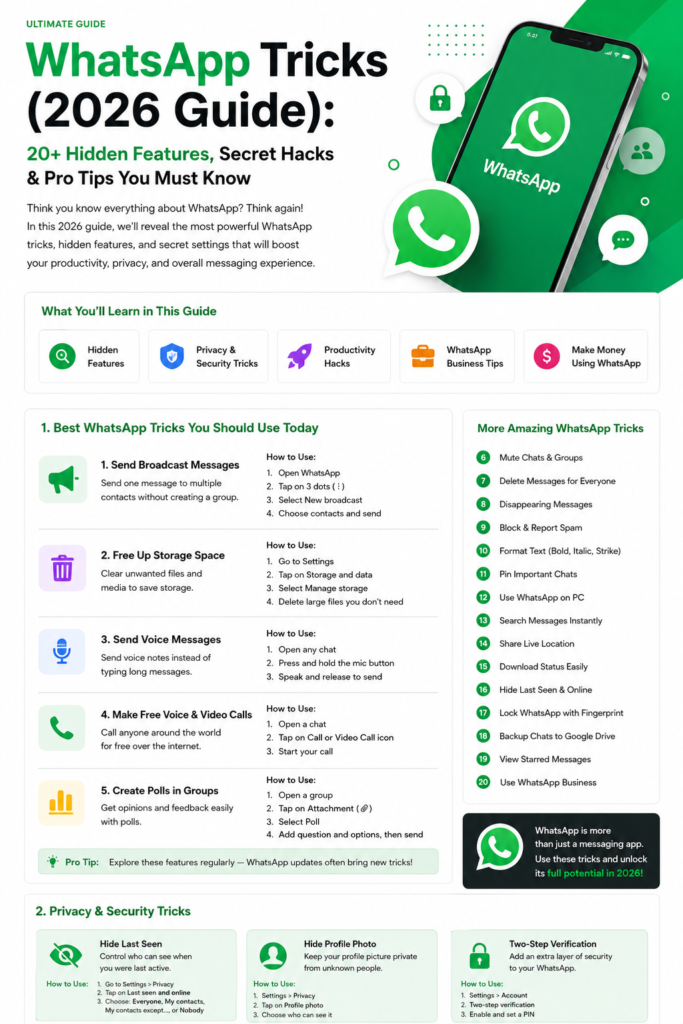
Someone gives you their number at a shop, a delivery driver calls from an unknown number, or you need to message a business once and never again. Saving every one of these numbers clutters your contacts with people you will never call twice. Learning how to send WhatsApp message without saving number solves this in seconds — and you do not need any extra app to do it.
Below are four methods that work on Android and iPhone, followed by the questions everyone asks after trying them.
Method 1: The wa.me Link (Fastest, Works Everywhere)
WhatsApp has an official feature called “click to chat.” Open your browser and type wa.me/ followed by the full phone number in international format — country code first, no plus sign, no spaces. For an Indian number, it looks like this: wa.me/919876543210.
Press enter and WhatsApp opens a chat window with that number, ready to type. You can even pre-fill a message by adding text to the link, but the basic version is all most people need. Bookmark the pattern or keep a note of it — once you know it, you will use it constantly. WhatsApp documents this officially in its help centre at faq.whatsapp.com.
Method 2: Type the Number in Your Own Chat and Tap It
This is the easiest method if you are already inside WhatsApp. Open your “Message yourself” chat — or any chat — and type the phone number as a message. WhatsApp automatically turns a phone number into a tappable link. Tap it and you will see options including “Chat,” which opens a conversation with that number without saving it.
It feels like a trick, but it is just how WhatsApp handles numbers in messages. No browser, no copying links, and it works on both Android and iPhone. If you use the “message yourself” trick for notes and reminders, our guide to WhatsApp message-yourself productivity tricks has more ways to use that chat.
Method 3: Use Your Phone’s Dialer or Contacts App
On many Android phones, the dialer and WhatsApp talk to each other. Open your Phone app, type the number, and look for a WhatsApp icon or a “Message via WhatsApp” option next to the number. Tap it and the chat opens directly.
This does not work on every phone, because it depends on your manufacturer’s dialer. But when it is there, it is the fastest method of all — no typing links, no switching apps. If your dialer does not show the option, fall back to Method 1.
Method 4: Create a Group, Then Message From It
This one takes a few more taps but is useful when the other methods feel awkward. Create a new WhatsApp group with any one contact, then add the unsaved number as a participant by typing it in — WhatsApp lets you add a number that is not in your contacts. Once the group exists, tap the unsaved number’s name in the group info and choose “Message” to open a one-to-one chat.
After that, you can remove the other person from the group or delete the group entirely — your one-to-one chat stays. It is more steps than the wa.me link, so treat it as a backup, not your first choice. If you use groups a lot, see our WhatsApp Web productivity tips — several of them work for managing chats you open this way.
Frequently Asked Questions
Is it safe to message someone without saving their number?
Yes. These methods use WhatsApp’s own features, so they are as safe as any normal chat. The other person sees your name and profile photo exactly as any other contact would. Nothing about the message is different — only your contacts list stays clean. Just be careful with numbers you find online: scammers also use WhatsApp, so never share payment details or one-time codes with a number you do not trust.
Does the other person need to have my number saved?
No. WhatsApp does not require either side to save the other. The message will arrive normally, and they can reply to you even if they have never saved your number. Their reply lands in your chat list like any other message. For a full list of the app’s lesser-known abilities, our guide to WhatsApp hidden features and tricks covers the ones most people miss.
Can I send a WhatsApp message without saving the number on iPhone?
Yes. The wa.me link (Method 1) and the tap-to-chat trick (Method 2) both work on iPhone exactly as they do on Android. Open Safari, type the wa.me link, tap “Continue to Chat,” and WhatsApp opens. The dialer method is Android-only, so iPhone users should stick to the first two methods.
Do I need the country code for the wa.me link?
Yes — always include the country code and drop the plus sign and any leading zero. For India, that means 91 followed by the 10-digit number. Without the country code, WhatsApp may open a chat with the wrong person or show an error, so double-check the digits before you hit enter.
Can I call someone on WhatsApp without saving their number?
Yes. Once the chat window is open using any method above, the voice and video call buttons work exactly as they do in a normal chat. You can call the person right away without ever adding them to your contacts.
Can I message a WhatsApp Business number this way?
Yes, the same methods work for business numbers. In fact, this is one of the most common uses — messaging a shop, a clinic, or a service provider once without adding them to your personal contacts. If you message businesses often, our guide on how to schedule WhatsApp messages can help you plan those conversations ahead of time.
Will the chat disappear if I never save the number?
No. Once you send a message, the chat stays in your WhatsApp chat list like any other conversation until you delete it. Saving the number only affects your contacts list — it has nothing to do with whether the chat itself is kept.
How to Send WhatsApp Message Without Saving Number: Which Method Should You Use?
For a one-off message, the wa.me link is the fastest and most reliable. If you are already inside WhatsApp, typing the number in your own chat and tapping it is even quicker. Keep both in your pocket and you will never save a number you do not need again. Learning how to send WhatsApp message without saving number takes two minutes to learn and saves you from a contacts list full of strangers — try it the next time a number lands in your hands for just one message.

Dr Vivek Garg runs drviram.in — a tech blog about AI tools, apps, and online earning. Every guide here is tested hands-on before it is published.