
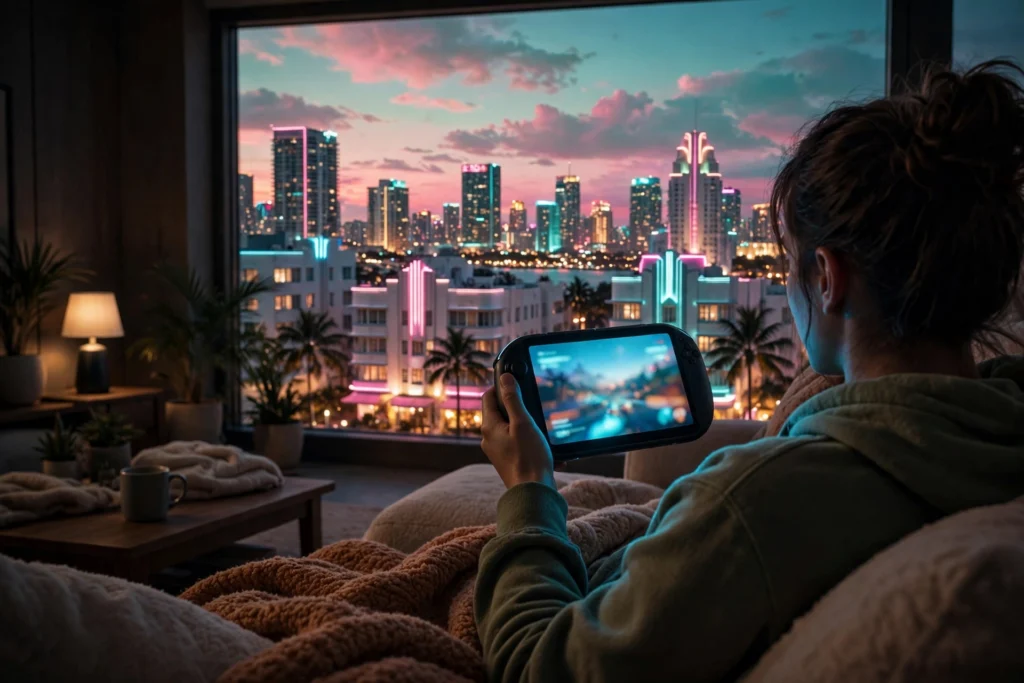
The TV is taken, but Leonida is calling. If you play GTA 6 on PS5, the PlayStation Portal is the simplest way to keep playing when the big screen is busy, and the gta 6 ps portal setup is easier than most players expect. Rockstar confirmed in a November 10, 2026 Newswire post that GTA 6 supports Remote Play on PlayStation. The game launched on November 19, 2026 for PS5 and Xbox Series X|S. Since then, the Portal has become the go-to second screen for players who share a TV or like to play in bed. This guide covers how it works, what you need, the full setup, and the questions every Portal owner asks — including the one catch: the Portal cannot play GTA 6 on its own.
How GTA 6 PS Portal Play Actually Works
The PlayStation Portal is not a console. It has no processor that runs games, no storage for installs, and no disc drive. Everything on its screen is streamed live from your own PS5 over Wi-Fi using Sony’s Remote Play technology: the PS5 runs GTA 6 and sends the picture to the Portal, while your button presses travel back. That explains every strength and limitation that follows.
Because the game runs on the PS5, the Portal inherits the console version exactly: the same save files, story progress, and performance. GTA 6 has no 60fps mode on PS5 or PS5 Pro, so the Portal shows the game at 30fps. For story missions, driving around Vice City, and exploring Leonida, 30fps on an 8-inch screen looks smooth and perfectly playable.
The Portal is built like a DualSense controller split around an 8-inch LCD screen, with a 1080p display, haptic feedback, and adaptive triggers — so the trigger tension when you accelerate and the rumble when you scrape a wall carry over from the TV. PlayStation’s official Portal page lists the 8-inch 1080p screen, up to 60fps output, and the 5Mbps minimum and 15Mbps recommended connection. Our DualSense features guide explains haptics, adaptive triggers, and 3D audio in the game.
What You Need Before You Start
Check these four things first — the setup then takes about five minutes.
- A PS5 with GTA 6 installed. The game must be fully installed on the console doing the streaming; any PS5 model works. Update system software first — GTA 6 needs version 26.07-14.23.00 or later.
- A PlayStation Portal. It retails for $199.99 in the US. It is sold on its own — no PS5 included, and you cannot use it without one.
- The same PlayStation Network account on both devices. The Portal pairs to the PS5 signed in to your account — use the account that will actually play.
- Solid Wi-Fi. Sony requires at least 5Mbps and recommends 15Mbps or faster. Use a 5GHz Wi-Fi network for the Portal, and wire the PS5 to your router with Ethernet if you can — that one change does more for stream quality than anything else.
No PlayStation Plus subscription is needed for Remote Play. You only need PS Plus for online multiplayer once GTA Online arrives — not for the GTA 6 story today.
How to Set Up GTA 6 on PS Portal
You only do the console steps once.
- Turn on Remote Play on your PS5. On the console, go to Settings, then System, then Remote Play, and switch on Enable Remote Play. Turn it on for each user who will connect.
- Let the PS5 wake from rest mode. Go to Settings, then System, then Power Saving, then Features Available in Rest Mode. Turn on Stay Connected to the Internet and Enable Turning on PS5 from Network. Without this, the Portal can only connect while the console is fully powered on.
- Make sure GTA 6 is installed and updated. Launch it once on the TV, then leave the PS5 on or in rest mode.
- Set up the Portal. Turn it on, connect it to your Wi-Fi, and sign in with the same PlayStation Network account you use on the PS5, then follow the on-screen pairing steps.
- Connect. On the Portal home screen, tap the Portal icon or press the cross button. It reconnects to the PS5 you used last and starts Remote Play. To choose a different console, use the quick menu.
- Launch GTA 6. The Portal shows your PS5 home screen. Open GTA 6 as you would on the TV — your saves live on the console, so you pick up exactly where you left off.
- Quit cleanly. When you finish, open the quick menu and select Disconnect. Do not just walk out of Wi-Fi range mid-mission — a clean disconnect is the safer habit.
If the Portal cannot find your PS5, check that the console is on or in rest mode with steps 1 and 2 still enabled, that both devices use the same account, and that both are on the same network. A full PS5 restart fixes most stubborn pairing failures.
GTA 6 PS Portal FAQ
Can you play GTA 6 on PS Portal without a PS5?
No — this is the catch. The Portal streams games from a PS5 you own; it cannot download, install, or run GTA 6 by itself. Sony added cloud streaming for PS Plus Premium members, which covers some PS5 games without a console, but Rockstar and Sony have not confirmed GTA 6 is in that catalog. Do not buy a Portal expecting to play GTA 6 without a PS5 behind it. Our GTA 6 mobile guide covers every other Remote Play device, including phones, tablets, PC, and Mac.
Does GTA 6 run at 60fps on the Portal?
No. GTA 6 runs at 30fps on PS5 and PS5 Pro — there is no 60fps mode — so the Portal displays the game at 30fps. The Portal’s screen supports up to 60fps, but it cannot add frames the console is not producing. On a small handheld screen, 30fps feels fine for the story, driving, and exploration. Our PS5 vs Xbox comparison has the full frame-rate picture.
Do you need PlayStation Plus to use the Portal?
Not for Remote Play. The Portal streams your own PS5 games with no subscription at all. You need PlayStation Plus only for online multiplayer, which will matter when GTA Online launches.
Can you use AirPods or Bluetooth headphones with the Portal?
No. The Portal has no Bluetooth audio. Your options are the built-in speakers, any wired headset through the 3.5mm jack, or wireless audio over PlayStation Link using the Pulse Explore earbuds or Pulse Elite headset. If you already own a good wired headset, use that: it is the cheapest route and adds no latency.
Can you play GTA 6 on Portal away from home?
Yes, with two conditions: your PS5 must be on or in rest mode at home, and both connections must be stable. The Portal works over any Wi-Fi, so a friend’s house or a hotel can work. Public Wi-Fi that needs a browser sign-in page can be a headache — a phone hotspot is the usual workaround. Test with a short session first: a stuttering stream during a police chase is miserable.
Is there an Xbox version of the Portal?
Microsoft does not sell a Portal-style handheld for Xbox. Xbox players get the same idea through Xbox Remote Play instead: enable remote features on your Xbox Series X or S, then stream GTA 6 to a phone, tablet, or PC from xbox.com/remoteplay. Microsoft lists 10Mbps over 5GHz Wi-Fi as the requirement. Xbox One owners have another route: Xbox Cloud Gaming streams GTA 6 to Xbox One — see our GTA 6 Xbox One guide.
Is the Portal worth buying just for GTA 6?
It depends on how you play. If you share a TV, play late at night, or want Leonida in bed or another room, the Portal is the cheapest dedicated way to do it. At $199.99, it costs less than a second TV. If you always have the TV to yourself, though, skip it: the Portal only streams PlayStation games and cannot replace the console. Buy it for the freedom, not for better graphics. You can check the current US price for the PlayStation Portal Remote Player on Amazon.
Tips for the Smoothest GTA 6 PS Portal Session
- Wire the PS5 to the router. Ethernet removes the biggest source of stutter. If the router is far away, a mesh node with an Ethernet port beside the console is the next best thing.
- Keep the Portal on 5GHz. The 2.4GHz band is slower and more crowded — split the bands on your router, or move the Portal close to it.
- Pause downloads on the PS5. A background game update fights GTA 6 for bandwidth — pause it until after your session.
- Play story missions on a stable connection. Free roam tolerates a hiccup; a timed getaway does not. If the stream breaks up, stop and reconnect.
The Bottom Line
GTA 6 on the PlayStation Portal is real, officially supported, and genuinely good — as long as you understand what you are buying. The Portal is a screen and a controller for the PS5 you already own, not a console of its own. Set it up once, keep the PS5 wired and the Portal on 5GHz Wi-Fi, and Leonida follows you to the couch, the bed, and anywhere with a decent connection. For players who share a TV, that freedom is worth the $199.99. For everyone else, the TV remains the best seat in Leonida.
As an Amazon Associate, I earn from qualifying purchases.

Dr Vivek Garg runs drviram.in — a tech blog about AI tools, apps, and online earning. Every guide here is tested hands-on before it is published.

