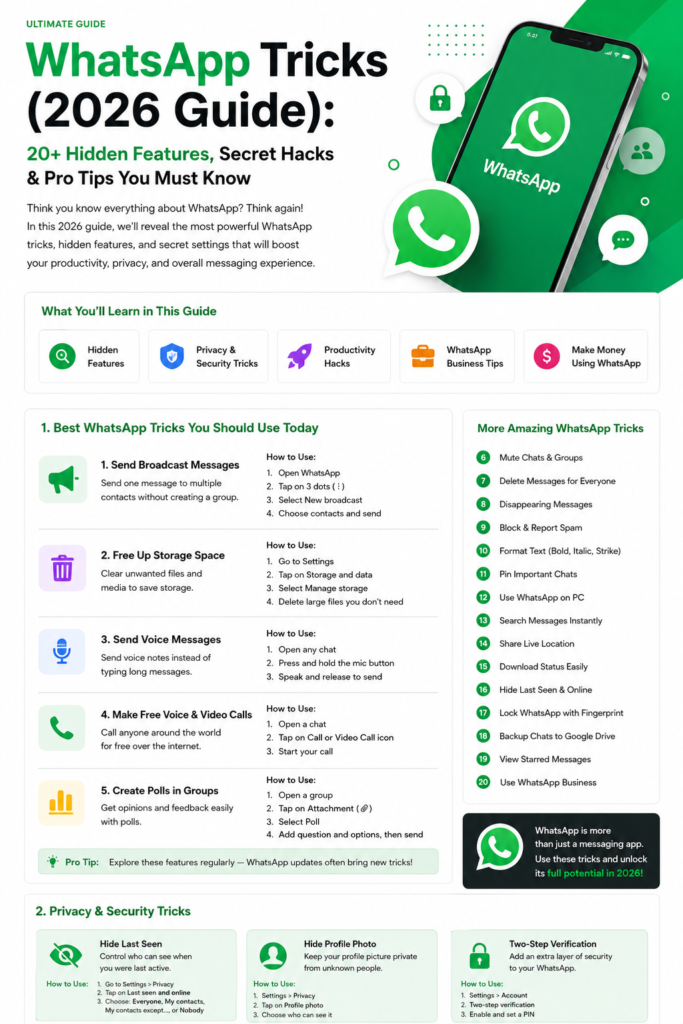
Most of us open WhatsApp dozens of times a day, yet one of its most useful features sits quietly at the top of the contacts list. It is called Message yourself: a private chat with your own number, where you are the only person in the conversation. Nothing you send there goes to anyone else. It works like a personal notepad already inside the app you use most, synced across your phone and computer. No new app to install, no account to create, no subscription to pay for. Here is how to set it up, and seven practical ways to use it every day.
How to Message Yourself on WhatsApp
Setting it up takes less than a minute, and the steps are nearly identical on Android and iPhone. Once it is open, it behaves like any other chat: you can send text, photos, voice notes, documents, and links to it, and everything stays private to you.
- Open WhatsApp on your phone.
- Tap the new chat button. On Android, it is the green message icon at the bottom right; on iPhone, it is the compose icon at the top right.
- At the top of your contacts list you will see your own name or number with the label “Message yourself”.
- Tap it. A chat opens with only you in it.
- Type a short test message, such as “This is my notes chat”, and send it. The chat now appears in your chat list.
- Pin it so it never gets buried. Long-press the chat on Android, or swipe right on iPhone, and choose Pin.
If you do not see the Message yourself option, update WhatsApp from the Google Play Store or the App Store first. Older versions do not have it. Once it appears, you only need to set it up once. If any menu name looks different on your phone, the WhatsApp Help Center has the current steps for your device and app version.
1. Quick Reminders That You Will Actually See
Your self-chat is the fastest reminder tool you own, because it is always open. When a thought pops up, send it to yourself in a few words: call the bank, buy milk, wish your cousin happy birthday. The message sits in your chat list where you will actually see it. Delete each reminder once it is done. For anything time-critical, pair it with your phone’s alarm: the self-chat holds the detail, and the alarm makes sure you see it on time.
2. A Daily To-Do List in Two Seconds
Your self-chat makes a surprisingly good to-do list, because adding to it takes two seconds and you check WhatsApp anyway. Start the day by sending yourself the three or four things that matter most, one per line. As you finish each one, reply to your own message with a quick “done”, or delete the line and send a shorter list. For a daily list of five or six items it is faster than opening another app. Send a fresh list each morning and clear the old one.
3. Saving Links to Read Later
How often do you lose a link someone sent you that you wanted to read later? Forward it to yourself. Your self-chat becomes a reading list that is always one tap away, and because it is a chat, you can add a line of context with each link: “read before Friday”, “compare prices”, “show this to dad”. When you have a spare few minutes, open the chat and work through the links from the top. Clear each one after you have read it. For a link you will need again and again, long-press the message and star it. Our guide to WhatsApp starred messages explains how to build a short, searchable list.
4. Transferring Files and Photos Between Phone and Computer
Moving a photo from your phone to your computer usually means a cable or an email to yourself. Your self-chat does it in seconds. Send the photo, document, or PDF to yourself from your phone, then open WhatsApp Web on your computer and download it from the same chat. It works in reverse too: drop a file in from your computer and pick it up on your phone. Files sent this way are compressed like normal WhatsApp media, so for full-quality originals attach the file as a document instead. Our guide on how to use WhatsApp Web walks through linking your computer and drag-and-drop, which makes this transfer trick even faster.
5. Saving Voice Notes to Yourself
Some ideas are easier to speak than to type: a thought while driving, a reminder in your own voice, or a quick note when your hands are busy. Record a voice note in your self-chat and it is saved, timestamped, and easy to find by date. You can also rehearse a difficult message or a phone call out loud, then listen back and fix the weak spots. Follow each voice note with a one-line text summary, so you can find it later without playing every recording. Voice notes in your self-chat are private, and they sync to WhatsApp Web, so you can listen to them on your computer too.
6. Storing Addresses and Password Hints Safely
Your self-chat is a convenient place for the small details you keep looking up: a delivery address, a Wi-Fi network name, an account number, or a hint that helps you remember a password. Send the detail to yourself once, and it is there whenever you need it. But there is a hard line here: never store real passwords, PINs, bank details, or identity document numbers in WhatsApp. Anyone with your unlocked phone can read your self-chat. Store hints, not secrets. A hint helps you remember; the password itself does not belong here. Your self-chat is included in your regular WhatsApp backup, so your notes survive a phone change. Our complete guide to WhatsApp backup and transfer explains how to check your backup is actually running.
7. Drafting Messages Before You Send Them
Some messages deserve a second look before they go out: a sensitive reply, a complaint to a business, a job application follow-up, or a message to a group where the wording matters. Draft it in your self-chat first. You can rewrite a sentence three times without the other person seeing “typing…” or a half-finished message. Read it back, fix the tone, then copy it into the real chat and send. It is also the right place to prepare a message for later: draft it while the thought is fresh, then send it when the time comes. If you want a message to go out at a specific time, our guide to scheduling WhatsApp messages explains three methods. Draft in your self-chat first, then schedule the polished version.
Message yourself is a small feature, but it turns WhatsApp from a messaging app into a personal workspace: reminders, lists, links, files, voice notes, and drafts, all in one chat that only you can see. Set it up once, pin it, and give it a week. For the official steps and the latest changes, check the WhatsApp Help Center.