
GTA 6 Ray Tracing: What It Does on PS5 Pro and Why There Is No 60 FPS Mode
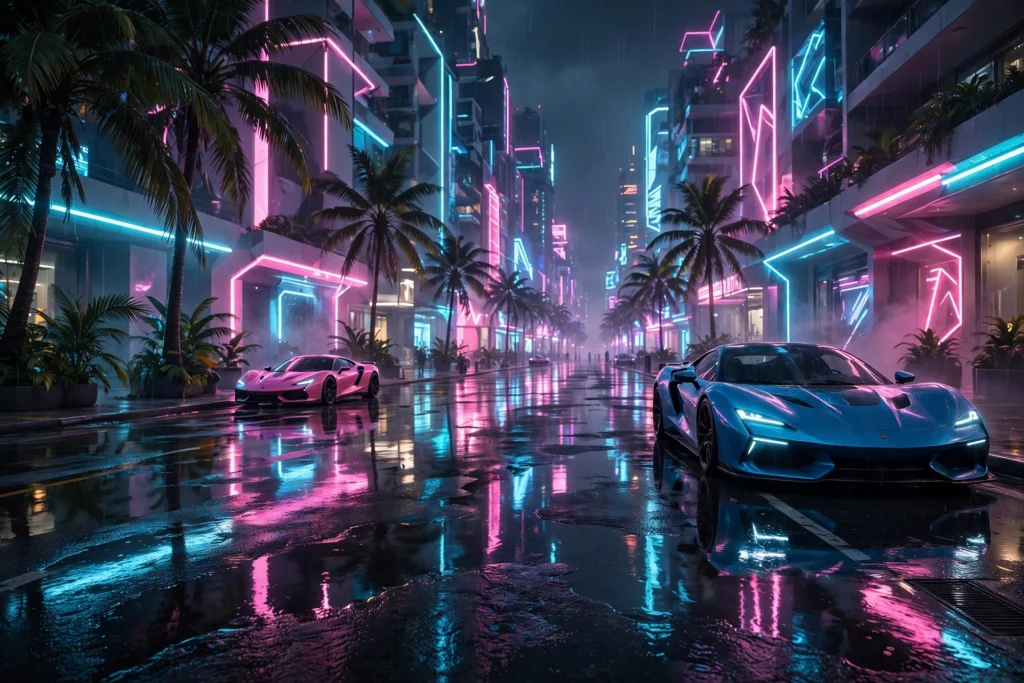
Grand Theft Auto VI is out in the USA, and the first thing most players notice is how good Leonida looks after dark: neon bleeding across wet Vice City streets, car paint catching streetlights, puddles mirroring the skyline. A lot of that glow comes down to one piece of technology: GTA 6 ray tracing. But it does not work the way most players expect: it is not a setting you can turn on, it is not on every console, and it comes with a trade-off Rockstar has been open about — every console runs the game at 30 frames per second, with no performance mode to change that.
Here is what it does, which console gets it, and which settings actually help.
GTA 6 Ray Tracing: The Short Answer
GTA 6 ray tracing is real, but it is limited to one thing and one console. On PlayStation 5 Pro, the game uses ray-traced shadows, delivered automatically through the console’s PlayStation Spectral Super Resolution (PSSR) upscaling pipeline. Rockstar confirmed this in its November 10, 2026 pre-load announcement on the Rockstar Newswire: GTA 6 targets 30 frames per second, with improved clarity through PSSR and ray-traced shadows only available on PlayStation 5 Pro.
That is the full extent of it at launch. There is no reflections toggle or graphics menu for ray tracing, and the base PlayStation 5, Xbox Series X, and Xbox Series S do not get ray-traced shadows at all — though they still look excellent.
Ray-traced shadows switch on automatically on PS5 Pro. There is nothing to enable, nothing to buy, and no menu option to hunt for. If you own a PS5 Pro, you already have GTA 6 ray tracing. If you do not, no setting will add it.
What Ray Tracing Actually Changes in Leonida
Ray tracing calculates light by simulating how rays bounce around a scene. In GTA 6, it affects shadows only: on PS5 Pro, shadows cast by buildings, palm trees, vehicles, and characters are calculated with ray tracing instead of the pre-baked shadow maps used on other consoles. The difference is subtle but real — shadows stay sharper at distance, react correctly to moving light sources as you drive past neon signs, and contact shadows look more solid.
What ray tracing does not do matters too. It does not add reflections to puddles or windows — those use Rockstar’s traditional screen-space techniques, which is why they look great on every console. It does not change the time of day or the weather. And it does not raise the frame rate.
How Each Console Runs GTA 6
Rockstar has not published official resolutions, so the numbers below come from Digital Foundry’s post-launch testing. The frame rate is official: 30 FPS on every console.
PS5 Pro: around 1440p internal, PSSR upscaled to near-4K, 30 FPS near-locked with perfect frame pacing, and the only ray-traced shadows.
PS5: around 1440p, upscaled to 4K, 30 FPS with dips to the mid-20s in heavy scenes.
Xbox Series X: around 1440p, upscaled to 4K, 30 FPS, falling to about 20-22 in the heaviest fights. It matches the base PS5.
Xbox Series S: around 720p, upscaled to about 1080p, 30 FPS, often in the mid-20s. The softest image and the most frequent dips.
Why Rockstar Locked Every Console to 30 FPS
The question every US player asks after the first hour is the same: where is the 60 FPS mode? The answer, confirmed by Rockstar to Kotaku and in its own Newswire post, is that there is not one — no 40 FPS mode either. The game ships with no performance, quality, or balanced mode, and the settings menu has no frame rate toggle anywhere.
The reason is the CPU, not the graphics chip. Rockstar technology production director Mark Chambers explained that the PS5 Pro’s faster GPU adds ray-traced shadows and a sharper image, but the console’s CPU is only slightly faster than the base console’s and cannot run the game’s complex simulation at a higher frame rate. Leonida simulates dense traffic, crowds, wildlife, weather, and physics all at once, and that work lands on the CPU. Turning off ray tracing would not free up a 60 FPS mode, because ray tracing runs on the GPU.
This is also why the PS5 Pro stays at 30 FPS despite its extra graphics power: its upgrades buy image quality and stability, not frames. Before launch, one report claimed a 60 FPS mode might arrive after release, but Rockstar has said nothing of the sort since, and the first post-launch update, version 01.002.002 on November 23, added no frame-rate option. That does not mean the game feels bad at 30 FPS: Rockstar built the controls, camera, and animation around a locked 30, and Digital Foundry found the PS5 Pro holds a nearly constant 30 with perfect frame pacing.
The Xbox 120 Hz “60 FPS Trick”: Why You Should Skip It
Within days of launch, videos showed GTA 6 running above 30 FPS on Xbox Series X using a display-refresh trick: set the console to 60 Hz, launch the game, switch the display back to 120 Hz during the intro, then switch to another game and back. It is real, and it is also a bad idea. The trick works because of a bug, not a hidden mode, and GTA 6 ties its game speed to its frame rate — above 30 FPS, driving, walking, and gunfights all run faster than intended, and missions can break. Do not use it: the 30 FPS cap is a design decision, and the real fixes for a smoother feel are in your TV and display settings, covered below.
Settings That Actually Make 30 FPS Feel Better
Since no menu option unlocks more frames, the best GTA 6 settings are about making a locked 30 FPS look sharp and feel responsive. Start with your TV. Put it in Game Mode, turn motion smoothing completely off, and switch off any AI, Dynamic, or Adaptive picture enhancement. Motion smoothing is the single worst setting for GTA 6: it invents frames that were never rendered and makes camera movement look smeary. Game Mode also cuts input lag.
Next, calibrate HDR. On PS5 and PS5 Pro, go to Settings, then Screen and Video, then Video Output, set HDR to On When Supported, and run Adjust HDR. On Xbox, open Settings, then General, then TV and Display Options, and enable HDR10 and Auto Low-Latency Mode. If your TV supports 120 Hz, set the Xbox to 120 Hz and turn on Variable Refresh Rate: it will not raise the frame rate, but it can smooth out dips below 30.
Inside GTA 6, Motion Blur Strength defaults to 3: dropping it to 1 or 2 sharpens the picture when you turn the camera, though a little blur at 30 FPS makes pans look smoother. Turn camera shake off if it bothers you, and set targeting to Partial with aim assist at 4.
The single most impactful purchase for a better setup is a good TV with low input lag, true HDR, and a 120 Hz panel. The Standard Edition at $79.99 includes the full single-player campaign, while the $99.99 Ultimate Edition adds premium vehicles, weapons, and apparel. You can grab the game itself on Amazon here: Grand Theft Auto VI for PS5 on Amazon. A decent headset helps Leonida come alive: BENGOO G9000 Stereo Gaming Headset on Amazon. And a charging dock keeps your DualSense ready for long sessions: OIVO PS5 DualSense Charging Dock on Amazon.
Should You Buy a PS5 Pro for GTA 6 Ray Tracing?
For most US players, the honest answer is no, not for ray tracing alone. The ray-traced shadows on PS5 Pro are a real improvement, and the near-locked frame rate is the steadiest way to play, but the base PS5 and Xbox Series X already run a beautiful version of the same game — the difference is the kind you notice in side-by-side comparisons, not the kind that changes how much fun you have driving down Ocean Drive. Buy a PS5 Pro if you are already planning to upgrade or play on a large 4K TV.
Whatever console you own, Leonida is worth exploring at your own pace. The map of Leonida is enormous, and the fastest cars in the game make crossing it a joy, especially at night when the neon is at its best. If the servers act up during launch week, here is how to check whether GTA 6 is down. And once you start building a reputation, the Criminal Profile system changes how the police react to you.
Frequently Asked Questions
Does GTA 6 have ray tracing?
Yes, but only ray-traced shadows, and only on PlayStation 5 Pro. The base PS5, Xbox Series X, and Xbox Series S do not have it, and there is no toggle.
Is GTA 6 60 FPS on any console?
No. GTA 6 targets 30 FPS on every console, with no performance, quality, or 40 FPS mode. Rockstar confirmed the target and has said the console CPUs cannot run the simulation faster.
Grand Theft Auto VI launched November 19, 2026 for PlayStation 5 and Xbox Series X|S at $79.99 for the Standard Edition and $99.99 for the Ultimate Edition. No PC version has been announced. For official news, check the Rockstar Newswire and the technical breakdown at GTA 6 60 FPS: Is There a Performance Mode?
As an Amazon Associate, I earn from qualifying purchases.

Dr Vivek Garg runs drviram.in — a tech blog about AI tools, apps, and online earning. Every guide here is tested hands-on before it is published.

